
Asset Conditions
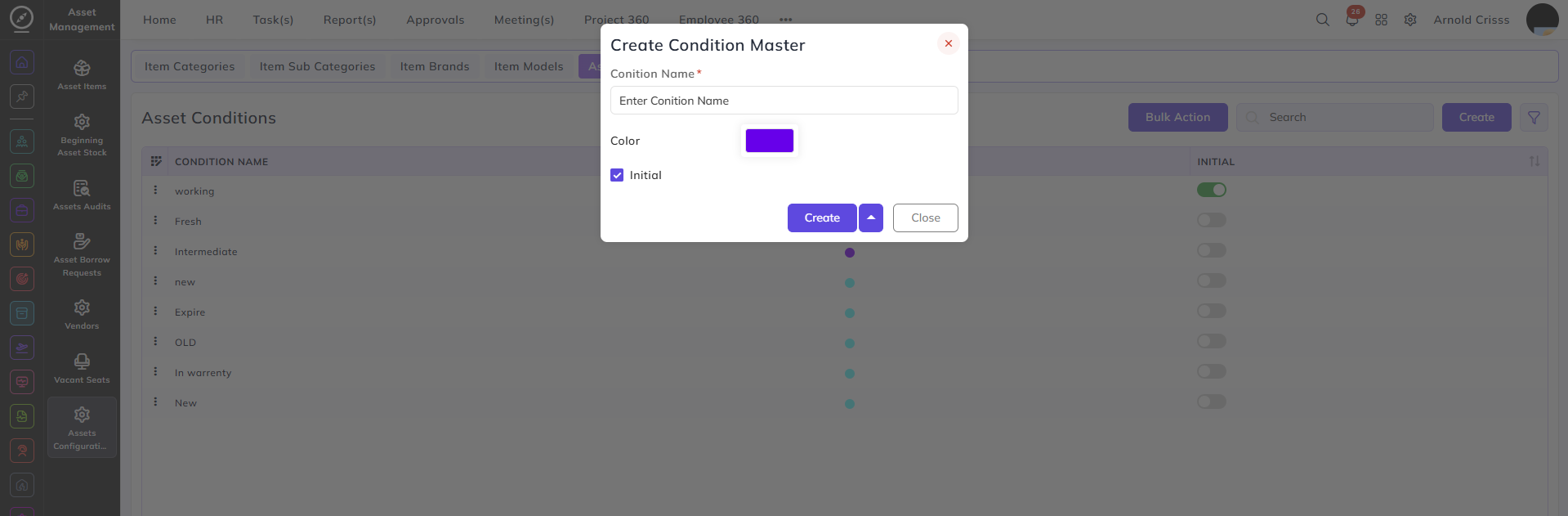
This page is used to create asset conditions.
Enter the condition name, such as:
-
New
-
Old
-
Broken
Select a color for the condition.
You can choose a color using the picker, hex code, or recommended colors.
Select Initial if this condition should be the default when creating an asset.
Example:
-
New → Purple color, set as Initial
-
Old → Red color
With the Bulk Action feature, you can delete multiple asset conditions at once, streamlining the process.