
Item Categories
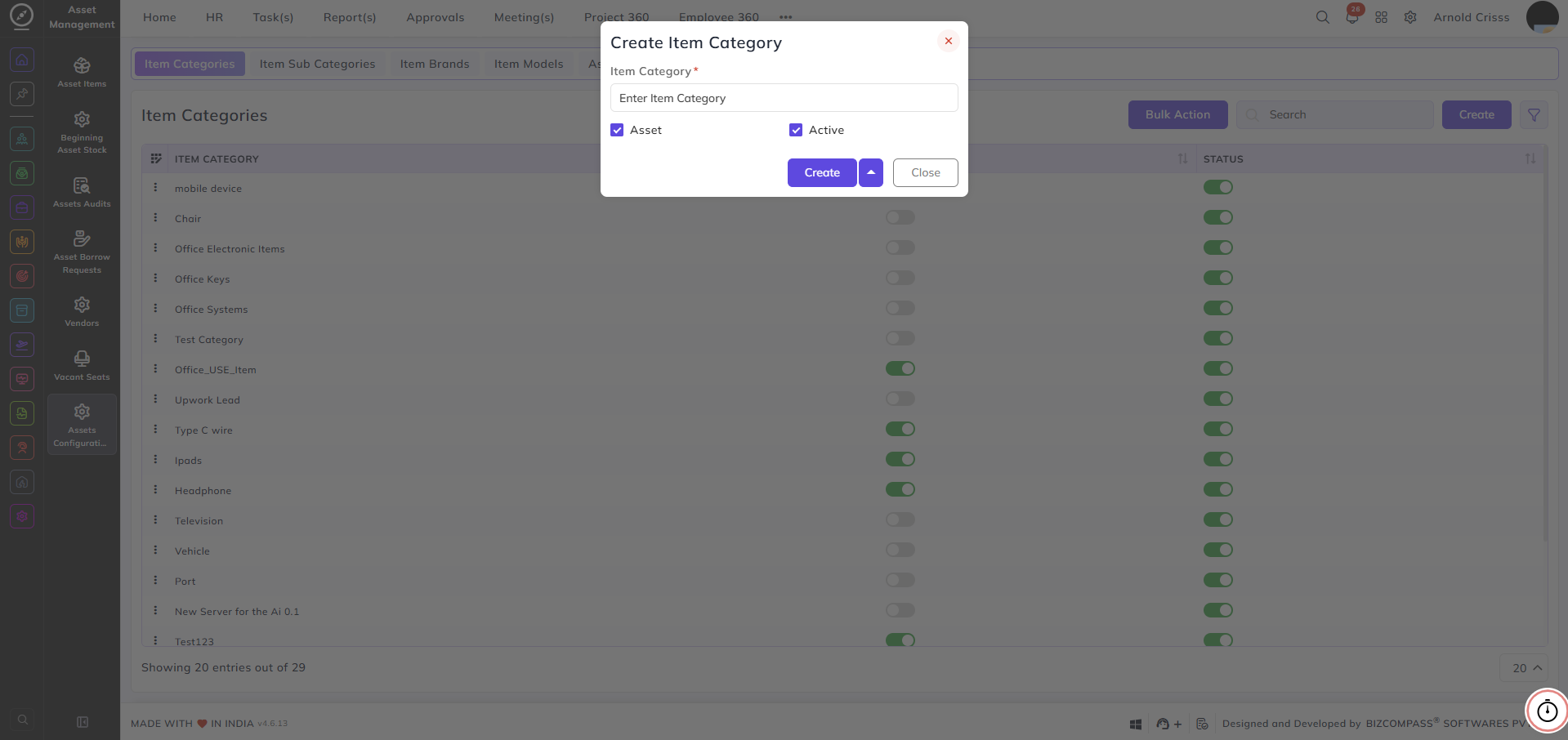
On this page, you can create item categories.
To create a category:
-
Enter the category name.
-
Select the category type:
-
Asset
-
Normal item
-
Example:
-
Office → Select Asset (used to group office-related assets)
-
Office Items → Create as a normal item category
Using the correct category type helps organize items properly based on their usage in the system.
With the Bulk Action feature, you can delete multiple item categories at once, streamlining the process.