
Item Models
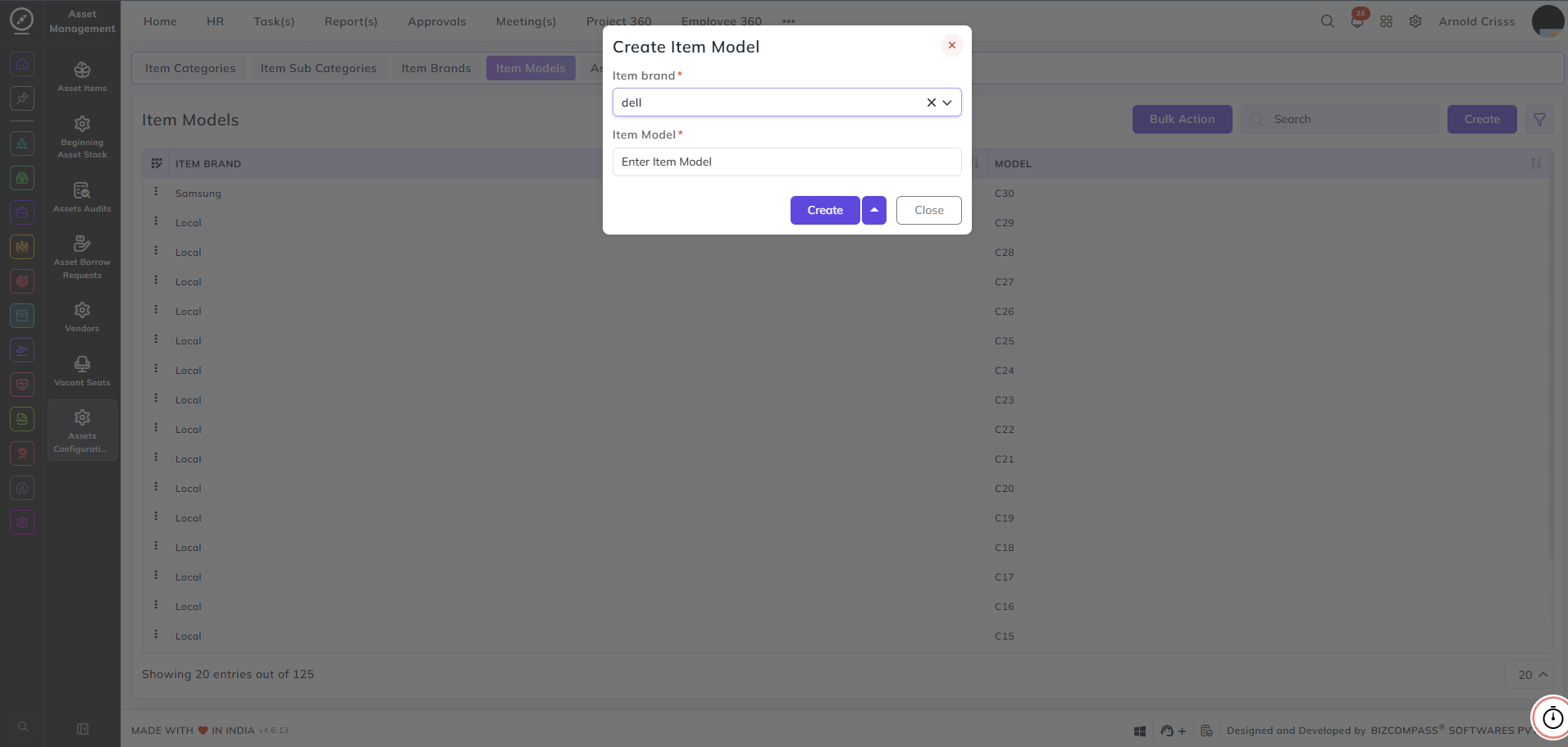
This page is used to create the models.
First, select the brand (for example, HP).
Enter the model name, such as 15-inch Monitor, and create it.
Items are identified and created using the selected brand and model name.
With the Bulk Action feature, you can delete multiple item models at once, streamlining the process.