
Companies
The Companies page serves as a master database for your organization, allowing you to manage entity details like contact info, locations, and operational hours. These profiles are used to streamline the HR process by linking specific companies to employee records during the onboarding and creation phase.
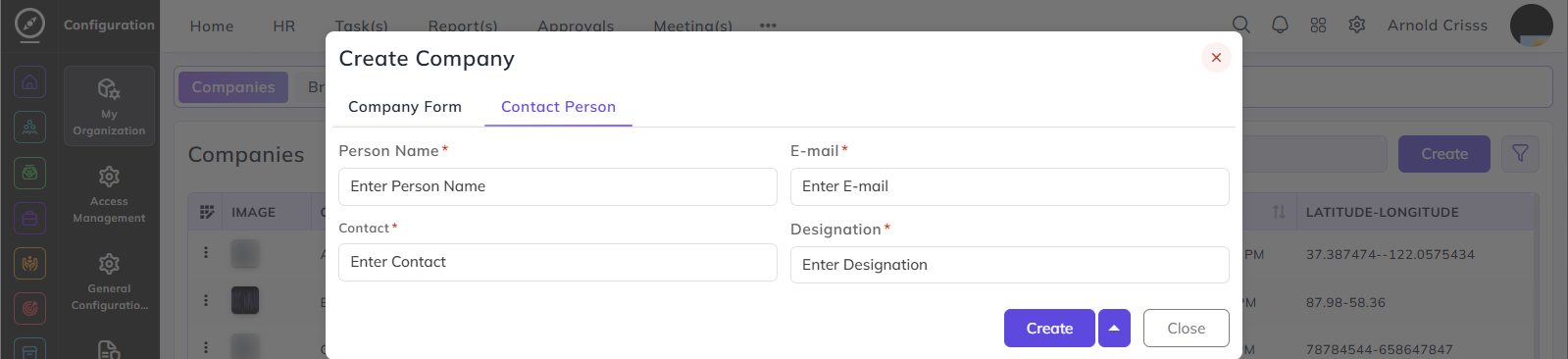
Create Company:
To register a specific entity for recruitment purposes, follow these steps:
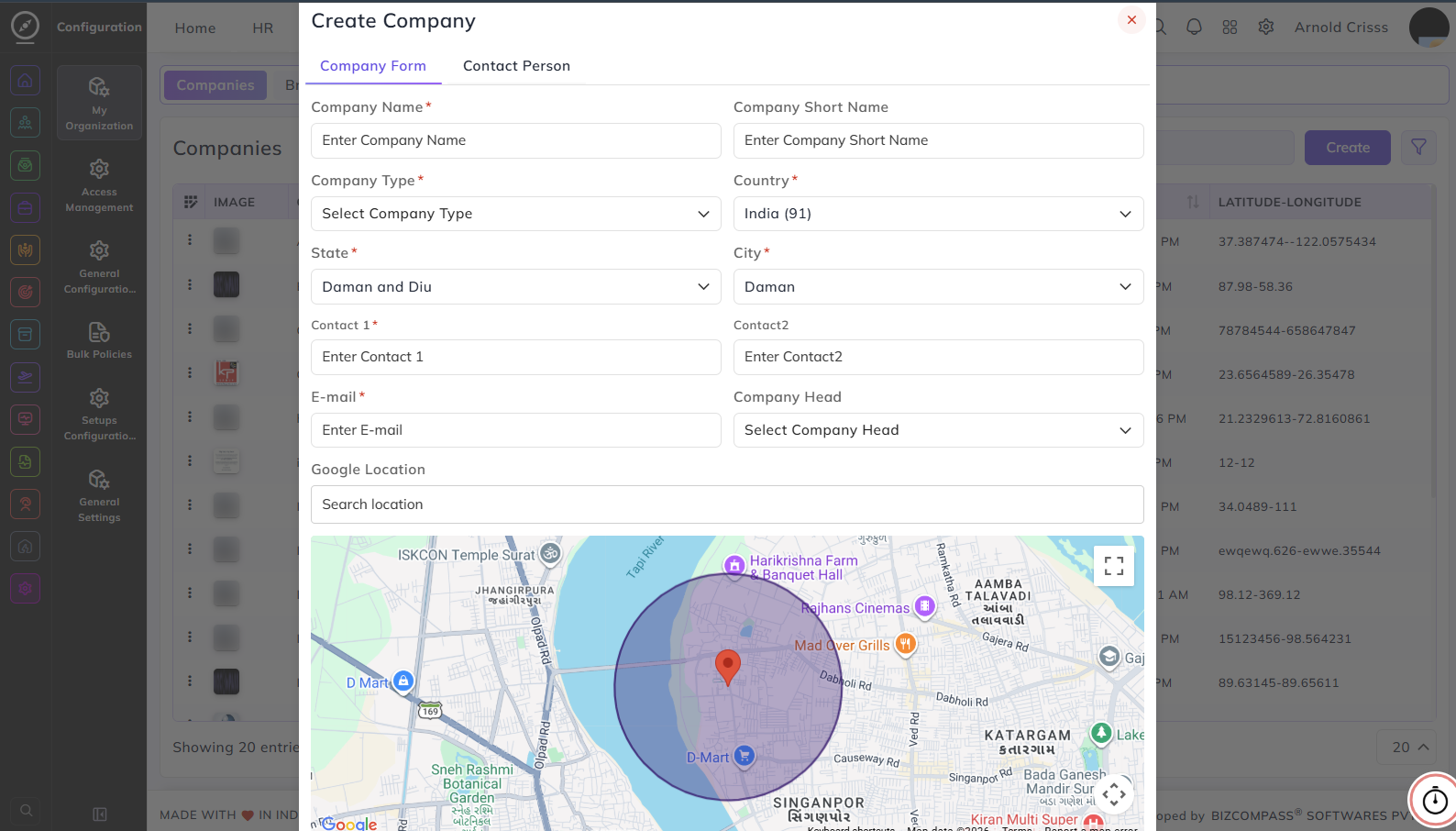
- Enter the Company Name and Company Short Name used for internal identification.
- Select the Company Type (Registered, Unregistered, etc.) and specify the Country, State, and City.
- Input the primary and secondary Contact numbers and a corporate E-mail.
- Assign a Company Head to oversee the specific entity.
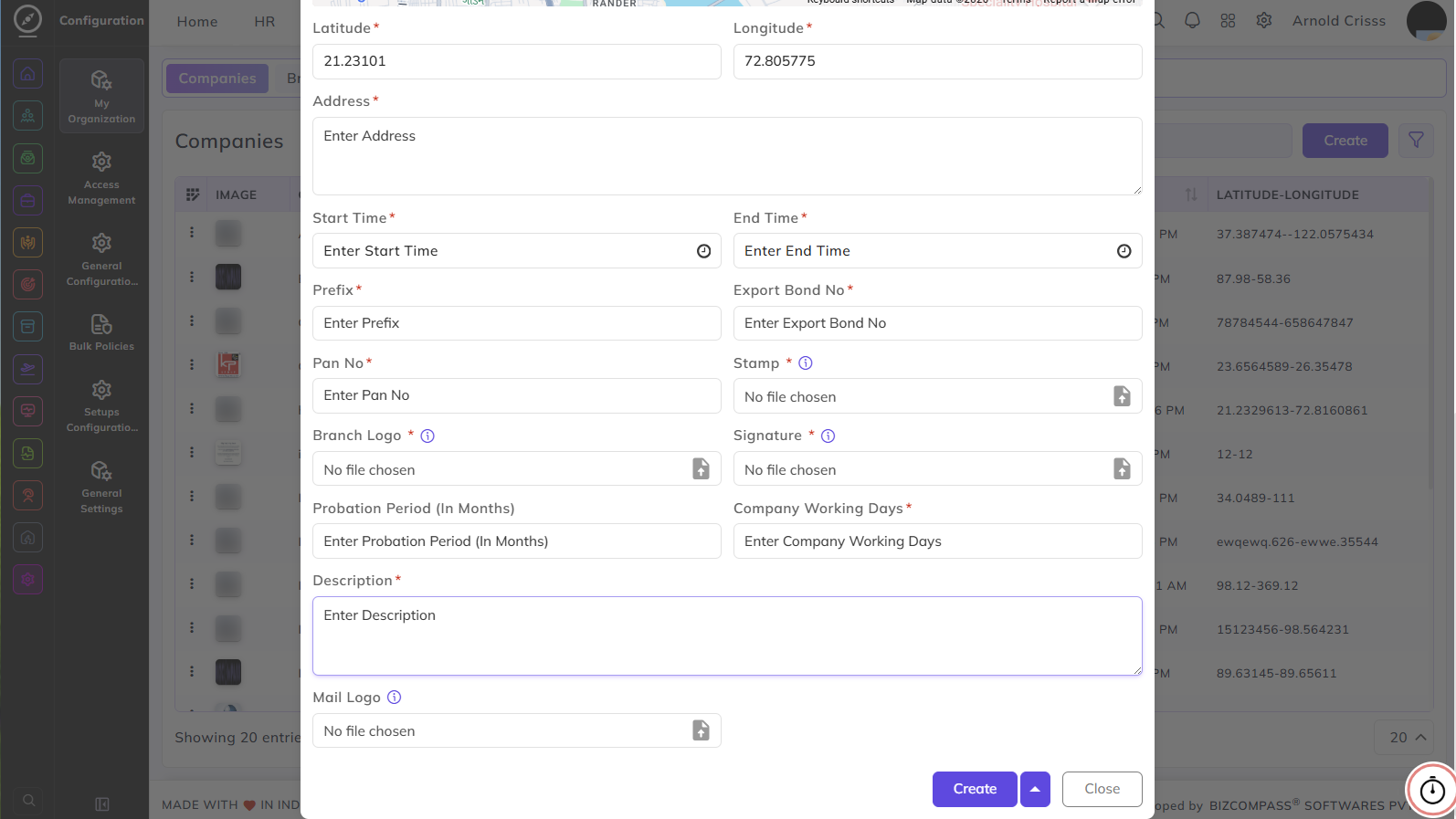
- Search for the Google Location or use the map to automatically fetch the Latitude and Longitude.
- Enter the full physical Address and set the official Start Time and End Time.
- Input the Prefix, Export Bond No, and Pan No for compliance and documentation.
- Upload the Stamp, Branch Logo, Signature, and Mail Logo for branded recruitment collateral.
- Define the Probation Period (In Months) and the Company Working Days.
- Provide a Description of the company to be displayed in job advertisements.
The Bulk Action button allows you to delete multiple companies at once, streamlining the management process.