Email SMTP
This page is used for organizations to create their SMTP. BIZCOMPASS® provides the SMTP for the organization. However, if the organization wants to create their own SMTP, they can create it.
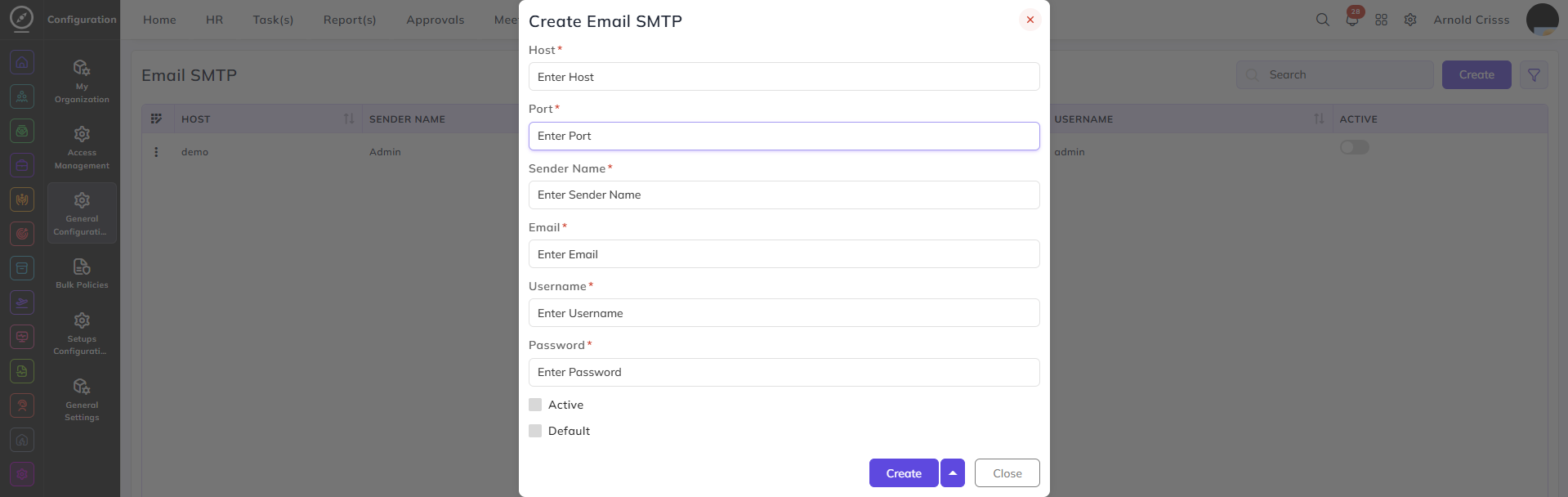
Create Email SMTP:
- Enter the Host name, Port, Sender Name, Email, Username, and Password.
- Enable the Active button to make this SMTP active.
- If you have multiple SMTPs, you can make this one Default by enabling the button for it.