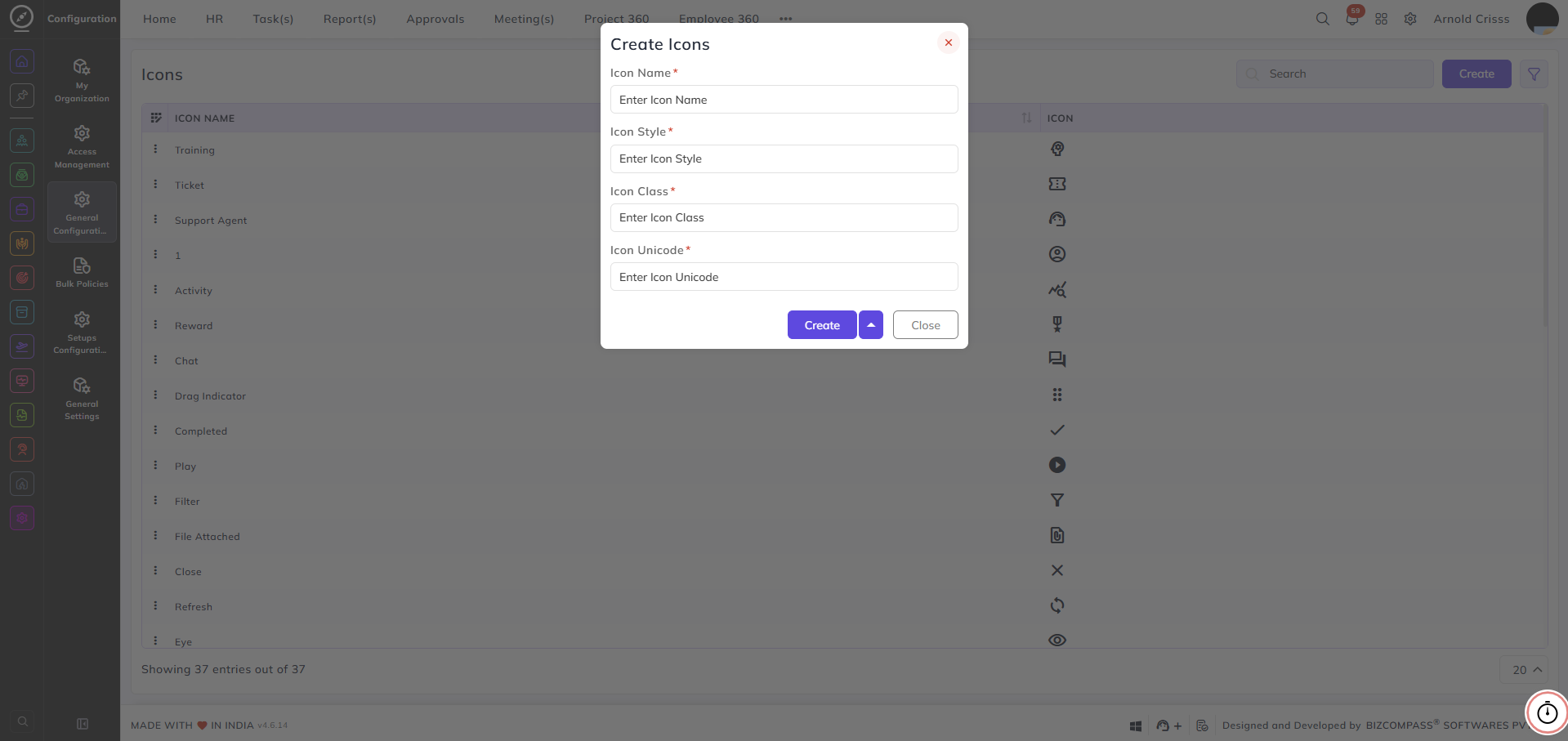
Icons
From this page, you can create and manage icons that are used across the system — for example, in manuals, training configurations, and other areas where icons are selectable.
Icon Name:
Enter a name to identify this icon — for example, Training, Completed, or Filter.
Icon Style:
Enter the icon style class — for example, material-icons-round. This defines the icon library or style set being used.
Icon Class:
Enter the icon class name that corresponds to the specific icon within the selected style — for example, done.
Icon Unicode:
Enter the unicode value for the icon if applicable.
Icons can be sourced from flat icons — find the icon you want, copy the relevant style, class, and unicode values, and enter them in the fields above.