
Employee Default Configurations
Employment Types:
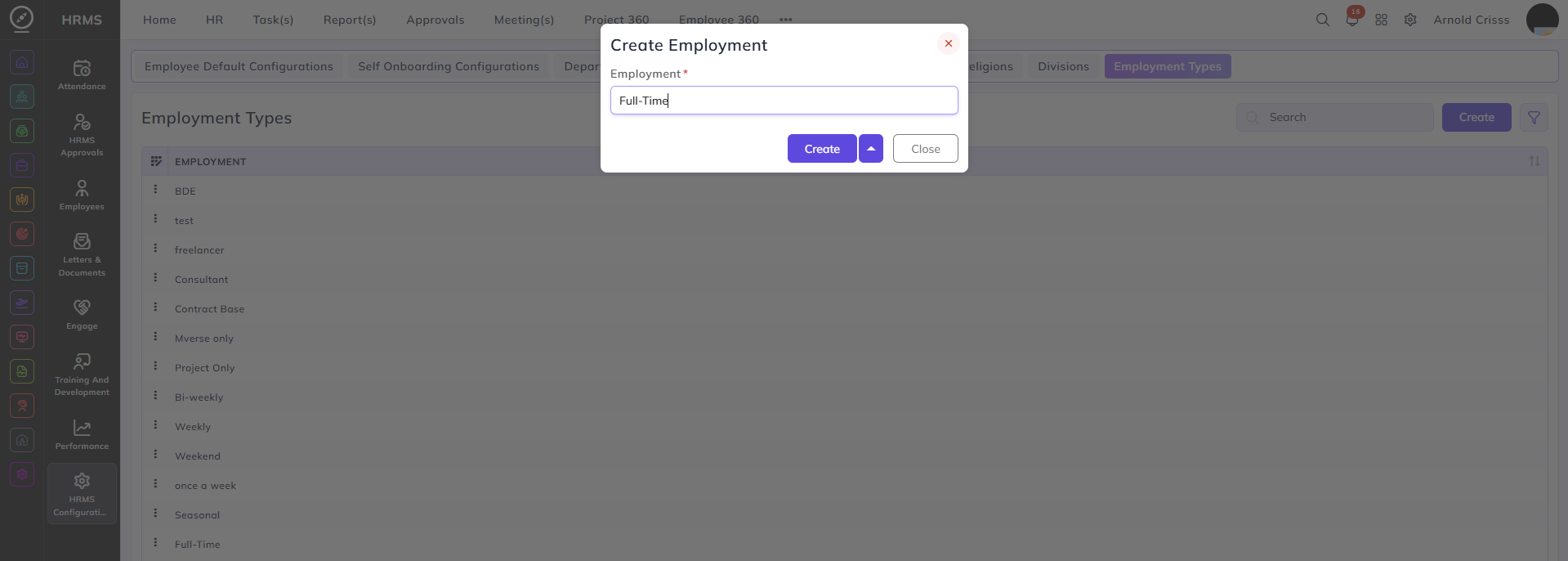
From this page, you can create different employment types for employees like Part-Time, Full-Time, Contract Based, etc. which will be used for setting up employee default configurations as well as while creating an employee profile.
Pay Grades and Groups:
From the Pay Grade Groups page, you can create a pay grade group in which youwe can add multiple pay grades.

From the Pay Grades page, you can create different pay grades for employees. You can also choose if youwe want to make this pay grade active or not. YouAnd you can optionally add it in a Pay Grade Group.

Note: The use of pay grade will be in the Performance Module.
Departments:
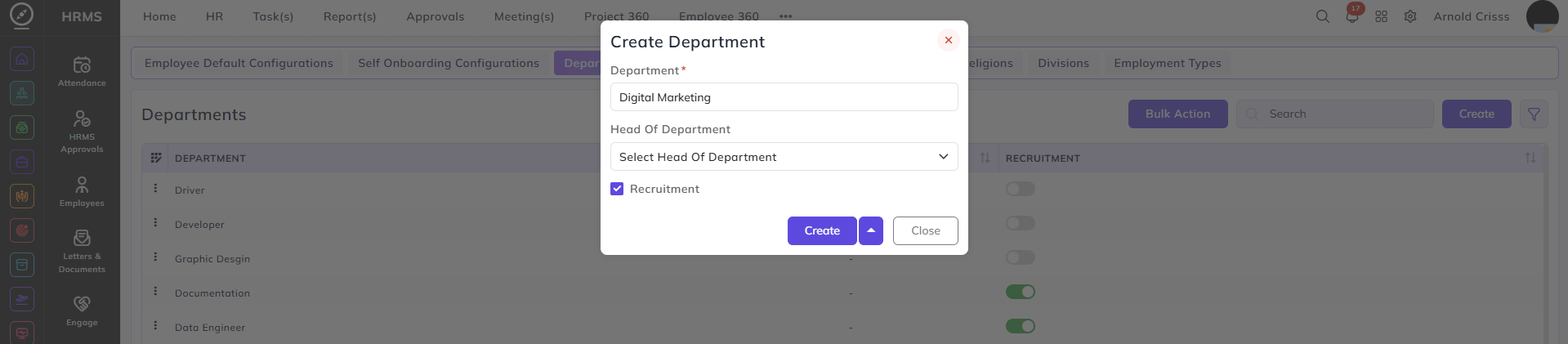
From this page, you can create Departments for our company. You can optionally select Head of Department and choose if this department will be shown in the recruitment module.
Sub-Department:
From this page, you can create Sub-Departments for Departments created previously. You can choose to make it Active or not.

Designations:
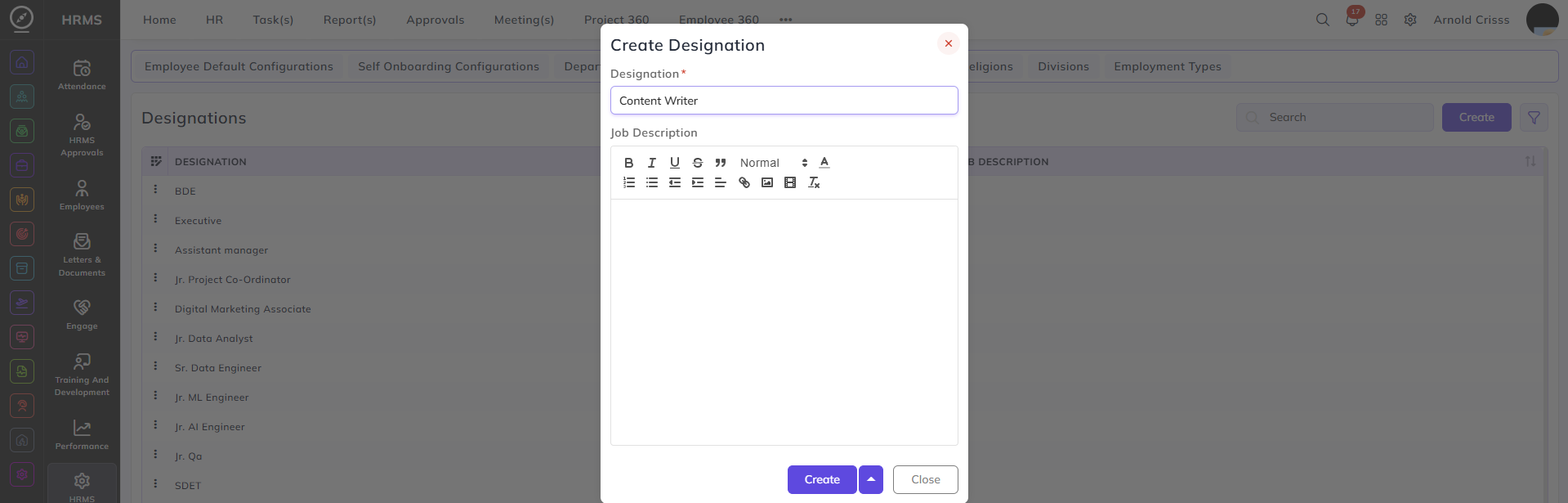
From this page, you can create Designations and optionally add Job Descriptions for them.
Relations:
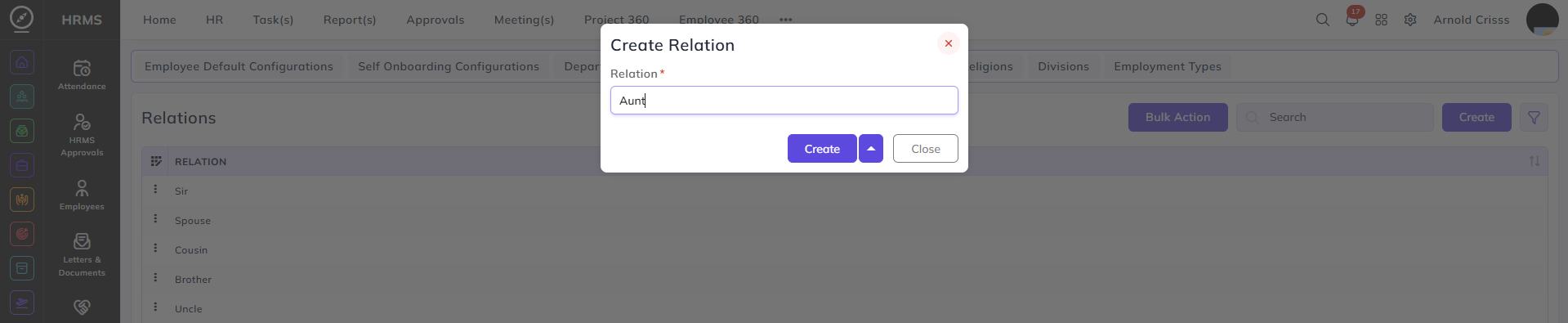
From this page, you can create Relations which are associated with Emergency Contact Numbers while creating an employee profile.
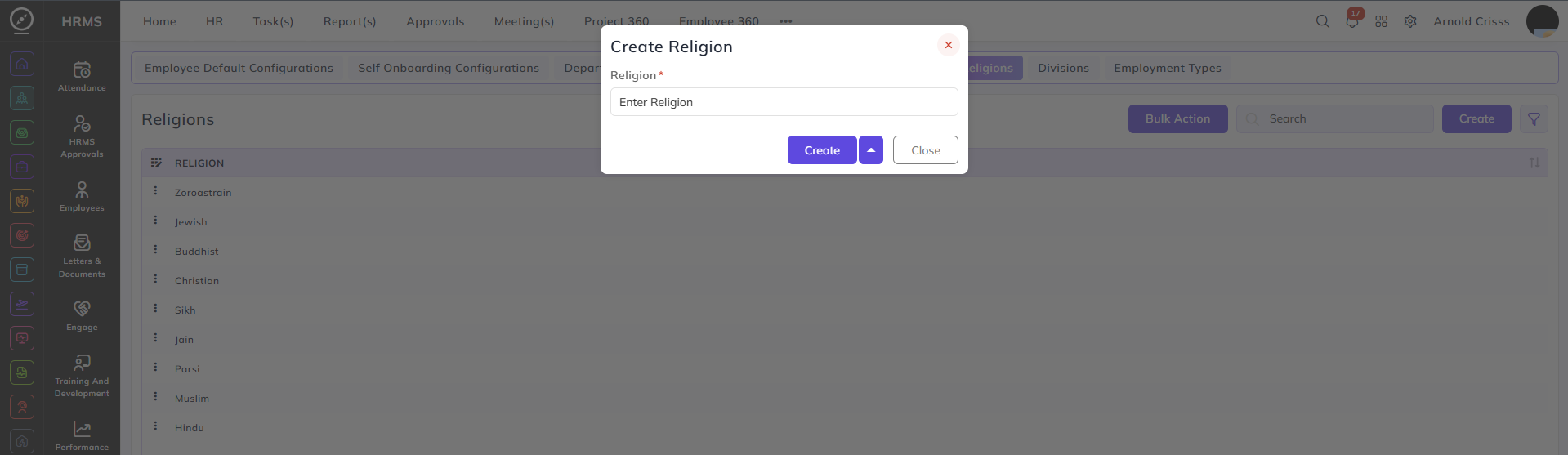
Religions:
From this page, you can create different Religions which are used while creating an employee profile.
Divisions:
From this page, you can create different Divisions for your company which are used while creating an employee profile. And you can optionally select the Head of Division.
