Events
From this page, you can create and announce Events for your company.
Create Events:
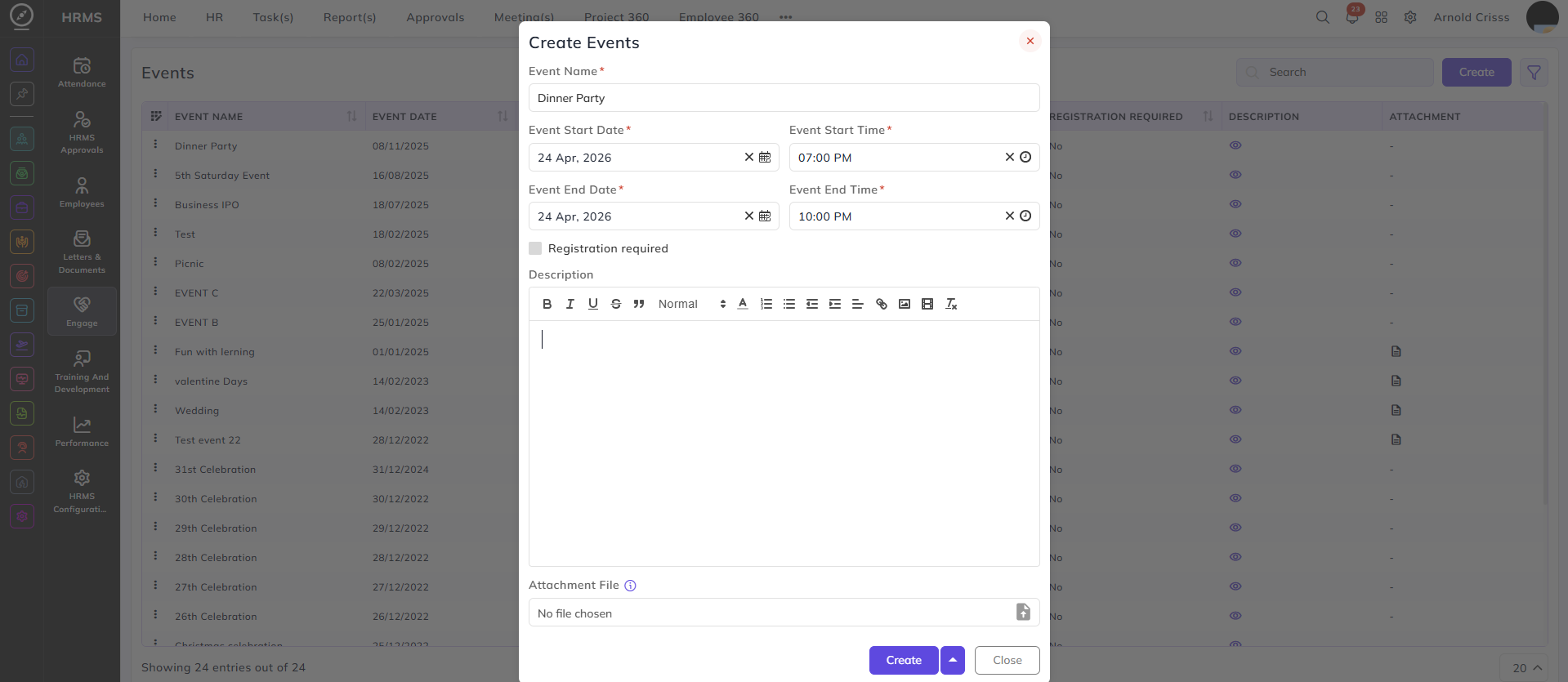
- Enter the Event Name.
- Mention the Event Start and End Date and Time.
- Optionally add Description and Attachment(s) for the event.
- If the Registration Required flag is enabled, a field to enter the Registration URL will appear in which you can add any form link for the registration of the event.
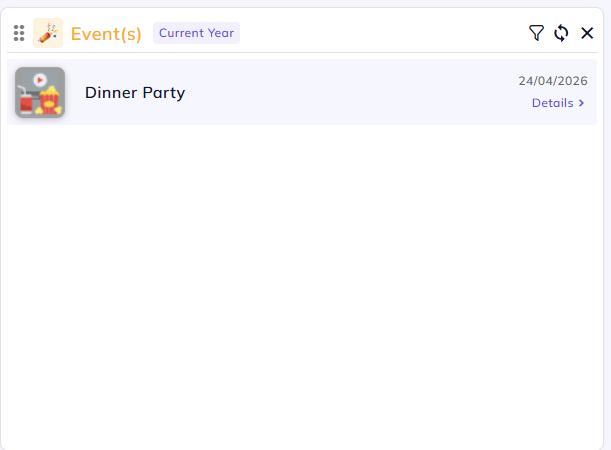
Once the event is created, it will be visible on the home dashboard of all employees of your company.