
Late Reasons
From this page, you can create late arrival reasons for employees in your company. The employees will get a pop up when he/she clocks in after the Shift Time to choose a reason for the late arrival.
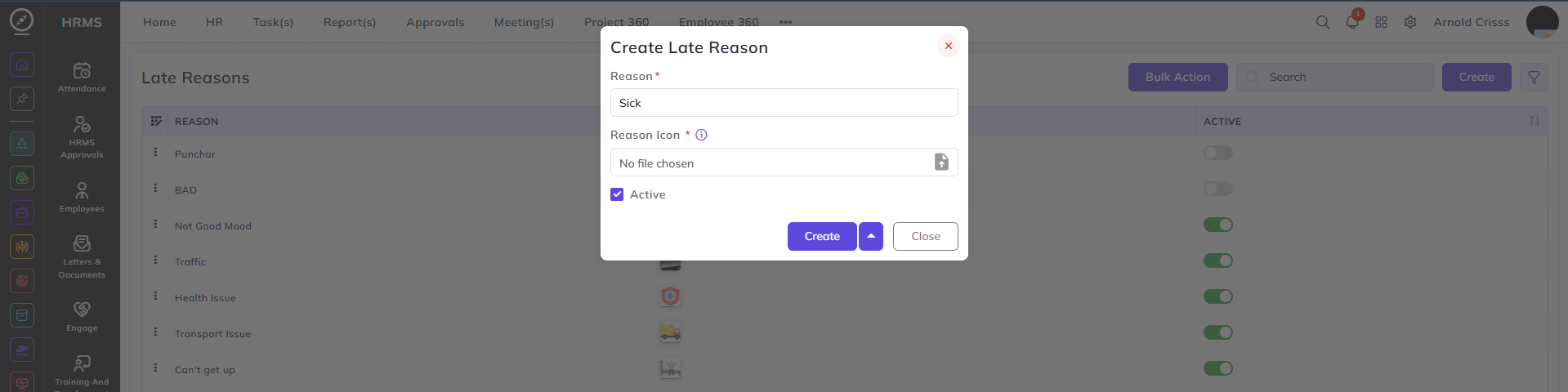
To create a Late Reason, enter the Reason and upload the Reason Icon. Choose to make this reason currently Active in your company or not.
The Bulk Action button allows you to delete multiple late reasons at once, streamlining the management process.