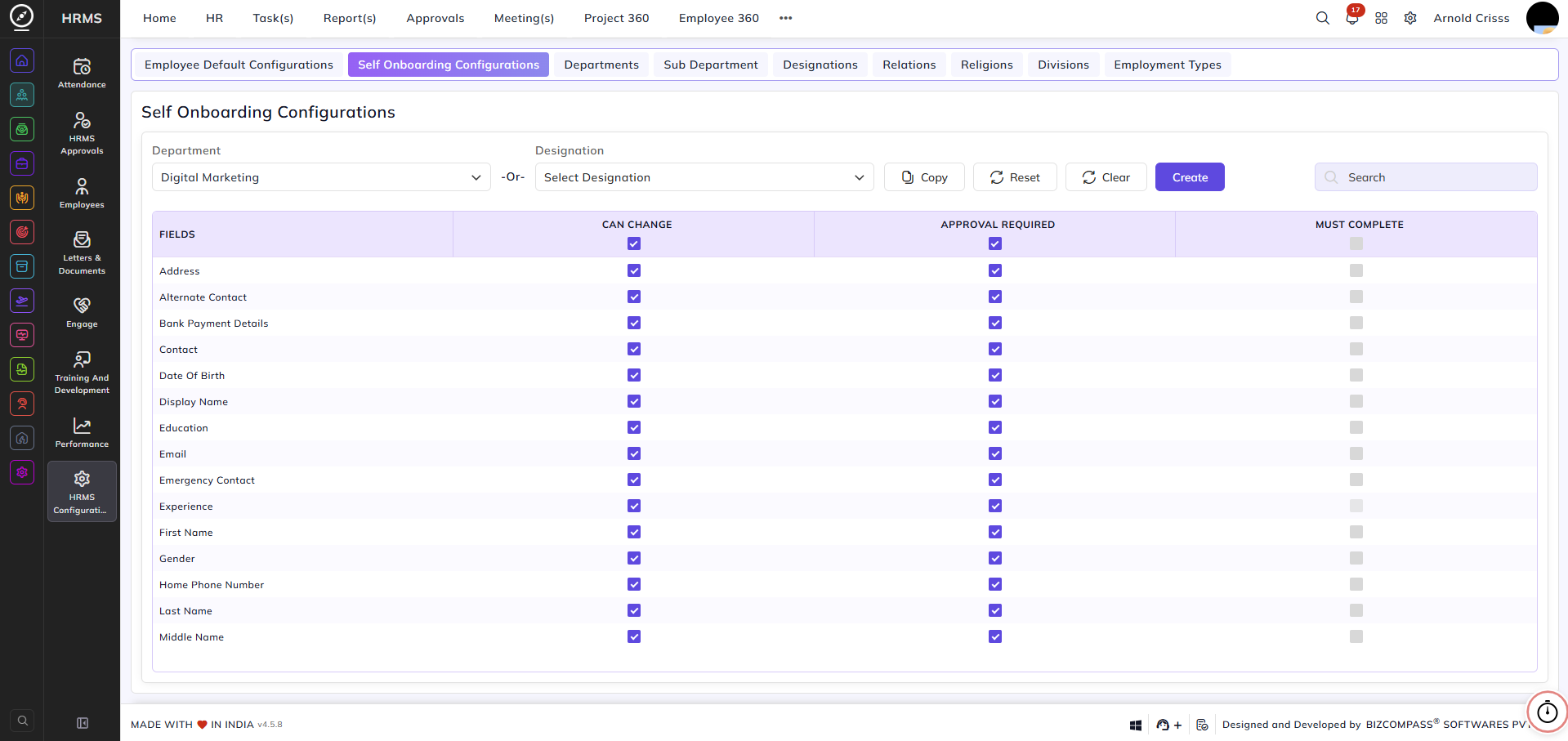
Self Onboarding Configurations
From this page, you can set up Self Onboarding Configurations for employees.
- You can select the Department or Designation whose employees can do self onboarding.
- For different fields like Address, Email, etc., you can enable or disable the options of:
1) Can Change: Employees can change the selected field on their own.
2) Approval Required: Employees can change the selected field with the approval of their respective approved person. The
approved person can see the employee's request in the Employee Updates Approvals section of the Approvals tab.
3) Must Complete: Employees have to mandatorily complete filling the selected fields on their own.