
Investment
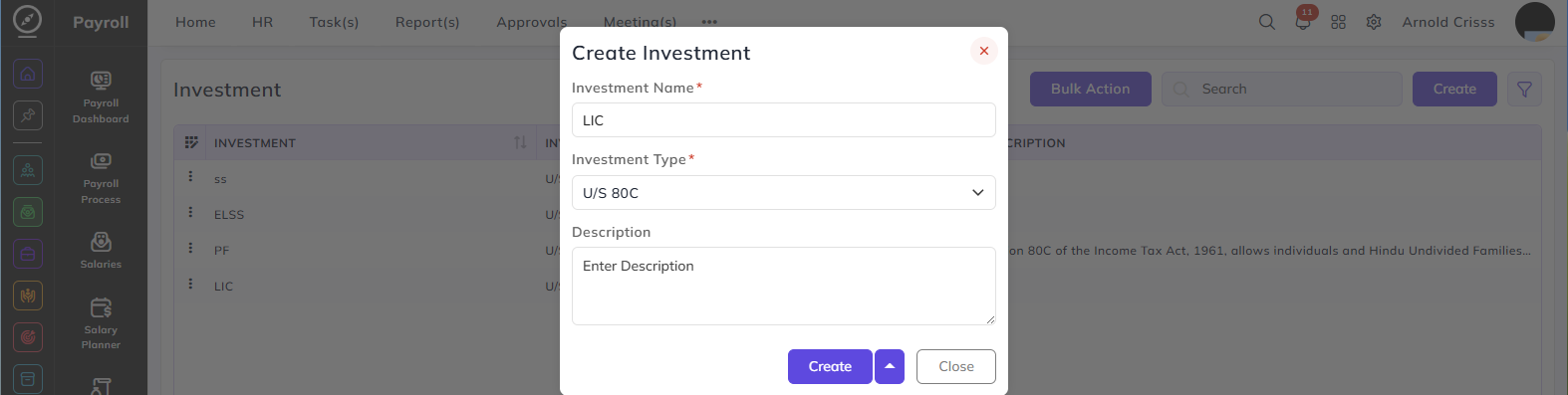
From this page, we can create the Investment for Investment Types.
Investment Name:
Enter the name of the investment — for example, LIC, ELSS, or PF.
Investment Type:
Select the investment type under which this investment falls — for example, U/S 80C. The investment types available here are configured on the Investment Type page.
Description:
Enter a brief description of this investment to help employees identify and select it during their tax declaration.
The Bulk Action button allows you to delete multiple investments at once, streamlining the management process.