Project Import
Projects can be created in bulk by downloading and uploading an import sheet.
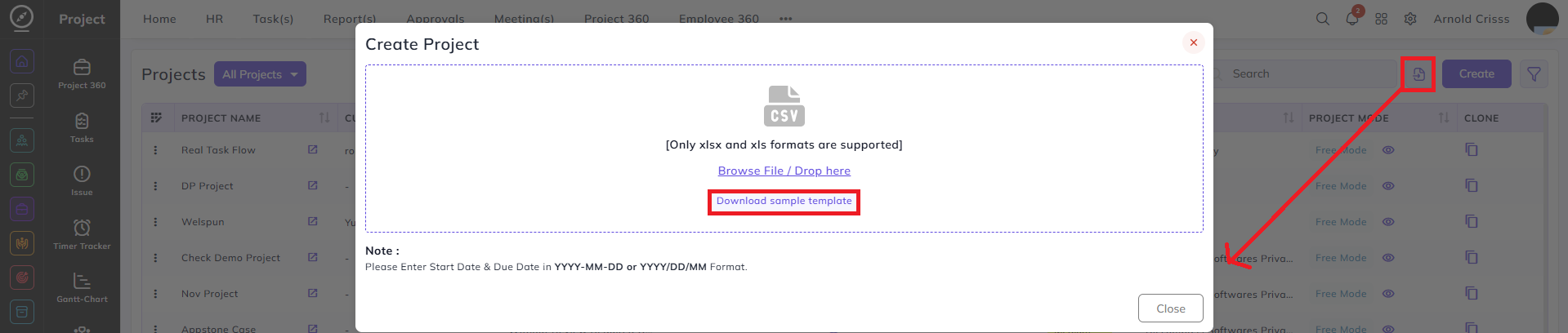
Download Sample Template:
On the Projects page:
-
Download the Sample Template.
Import Sheet Fields:
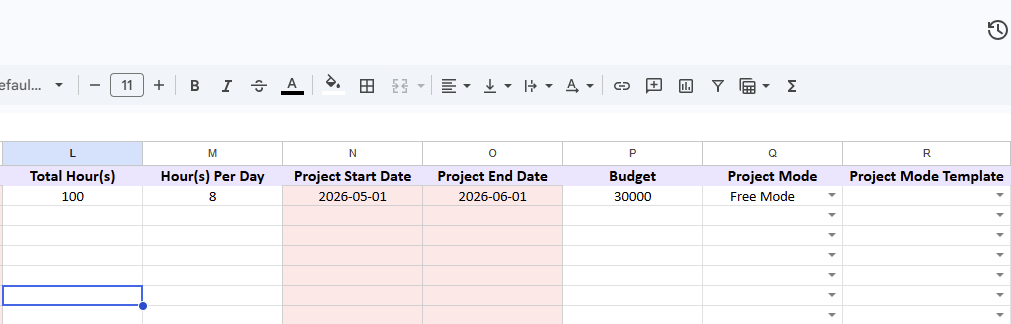
Fill the following fields in the template:
-
Project Name
-
Customer
-
Company
-
Project Category
-
Customer Issue Visibility
-
Don't Move Task On Stop
-
Don't Start Timer On Drop
-
Platform
-
Person
-
Project Manager(s)
-
Billing Method
-
Total Hour(s)
-
Hour(s) Per Day
-
Project Start Date
-
Project End Date
-
Budget
-
Project Mode
-
Project Mode Template

Important Behavior During Import:
-
The columns with red background fill are mandatory.
- If you want to add more than Person or Manager, separate their names with a comma (,).
Uploading the File:
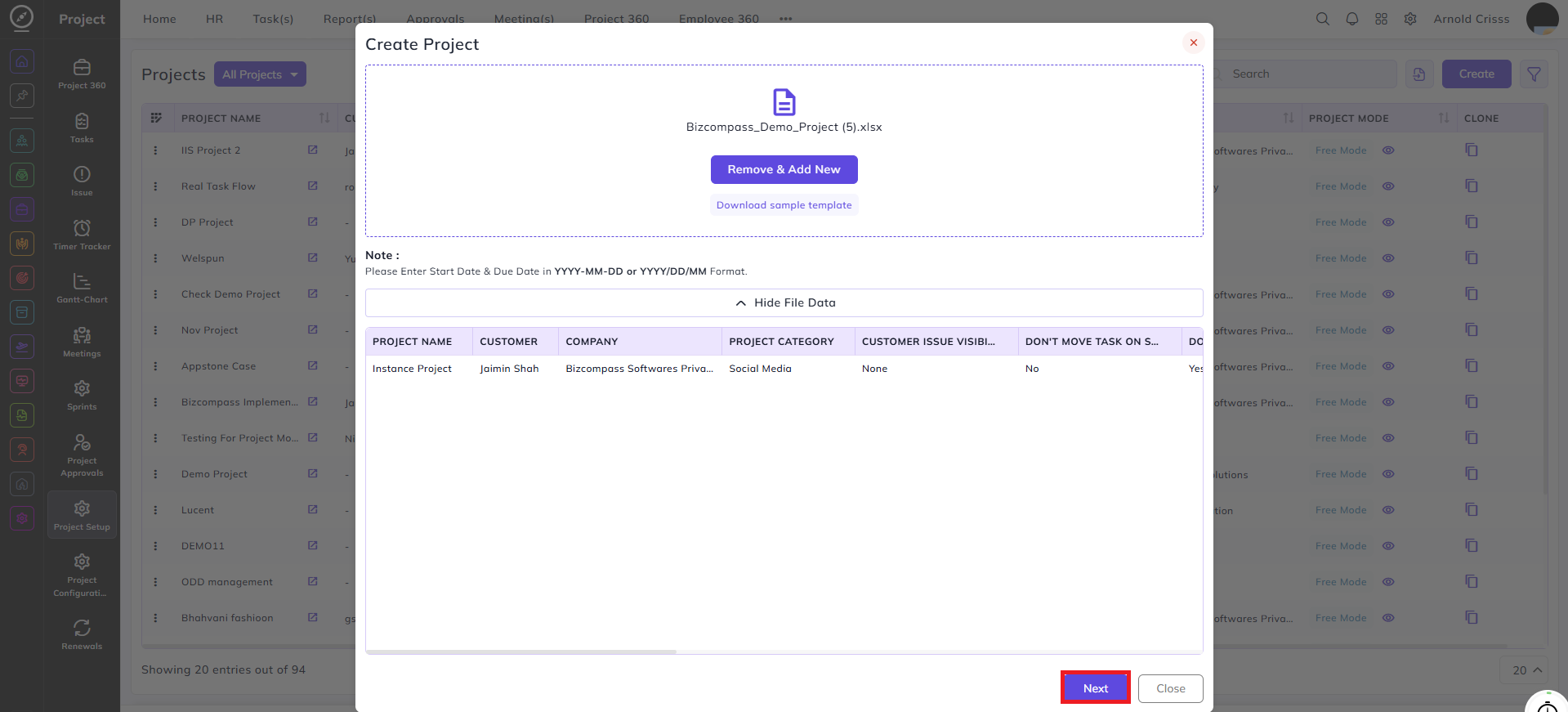
After filling the import sheet:
-
Upload the file
-
Review the column mapping
-
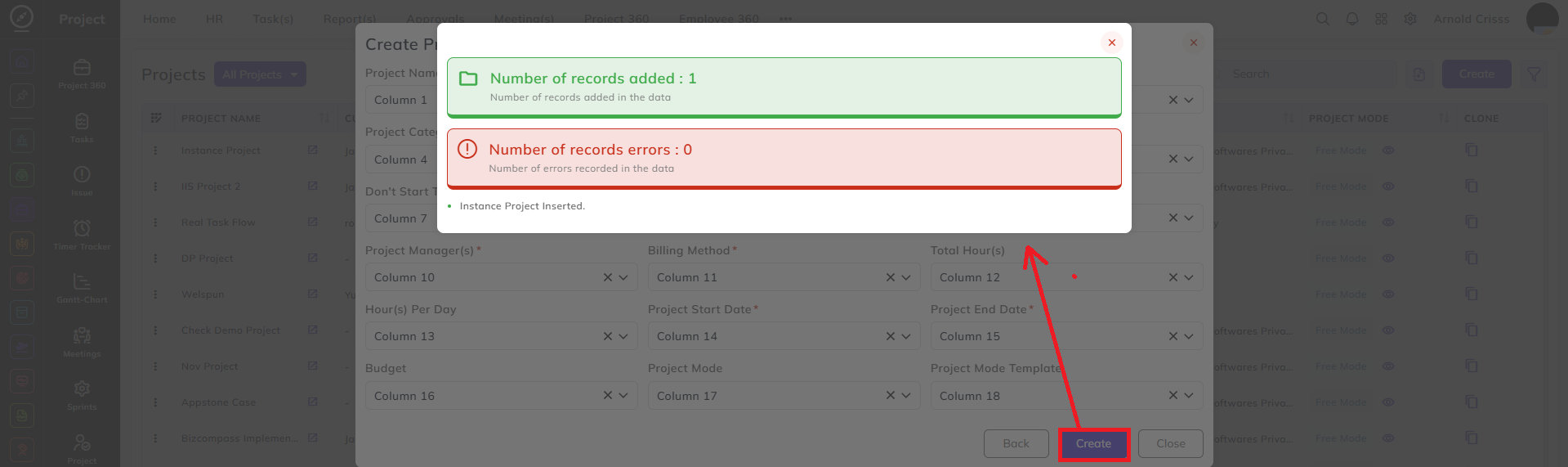
Click Create.
-
A popup displays:
-
Number of records inserted
-
Errors, if any
-