
Timelog Change Reasons
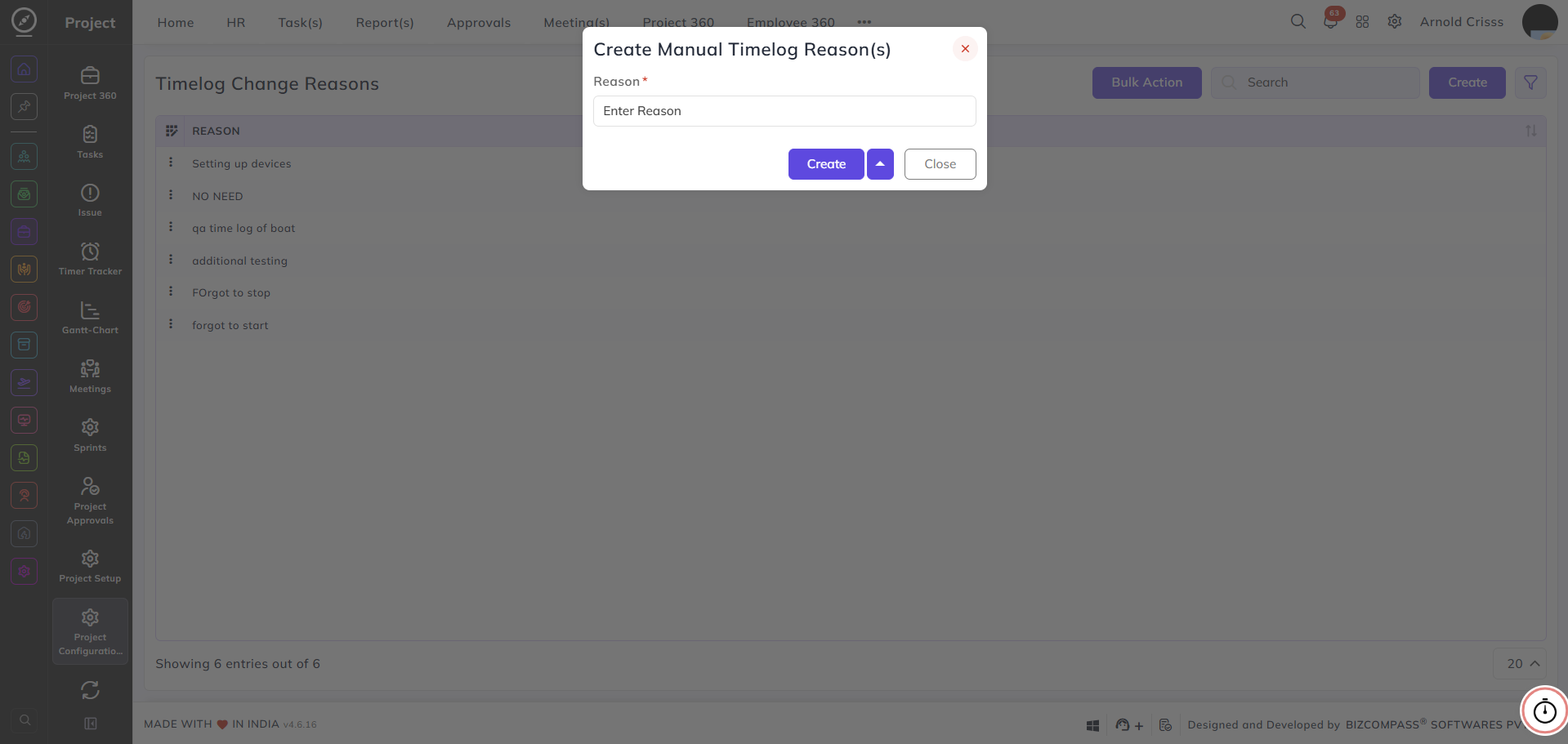
From this page, you can create and manage reasons that employees must select when manually adding or editing a timelog entry.
Reason:
Enter the reason that will be available for selection when a manual timelog entry is made — for example, Forgot to start or Additional testing.
With the Bulk Action feature, you can delete multiple timelog change reasons at once, streamlining the management process.