
Timer Deviation Reasons
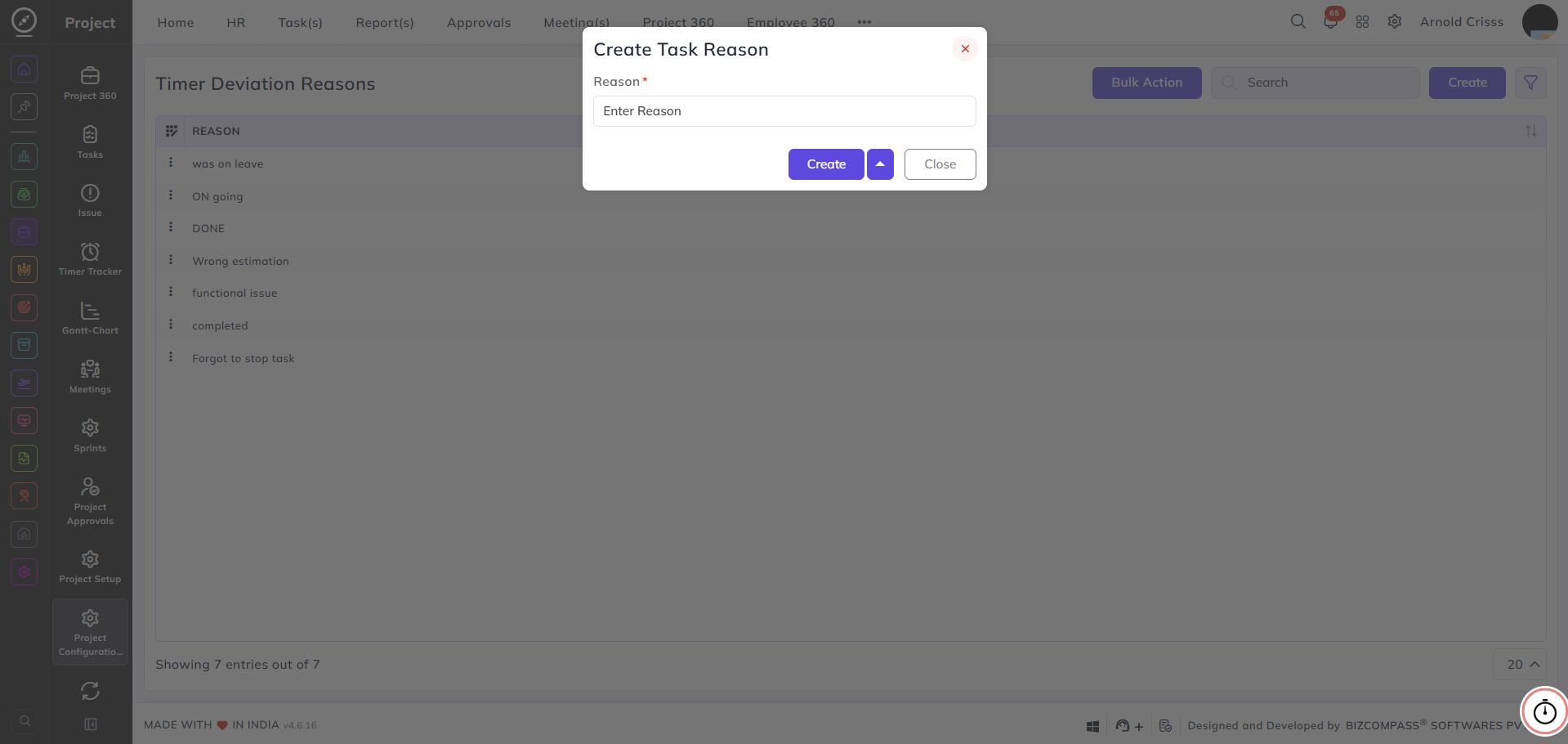
From this page, you can create and manage reasons that employees must select when a task timer deviates from the expected or estimated time.
Reason:
Enter the reason that will be available for selection when a timer deviation occurs — for example, Wrong estimation or Forgot to stop task.
These reasons will appear in a pop up when the user completes a task before the estimated time or after the deviation time.
With the Bulk Action feature, you can delete multiple timer deviation reasons at once, streamlining the management process.