
Candidate Primary and Canddiate Secondary Sources
The Candidate Primary and Candidate Secondary Sources pages are used to create and manage the source of candidates used while creating a new candidate or candidate inquiry during the recruitment process.
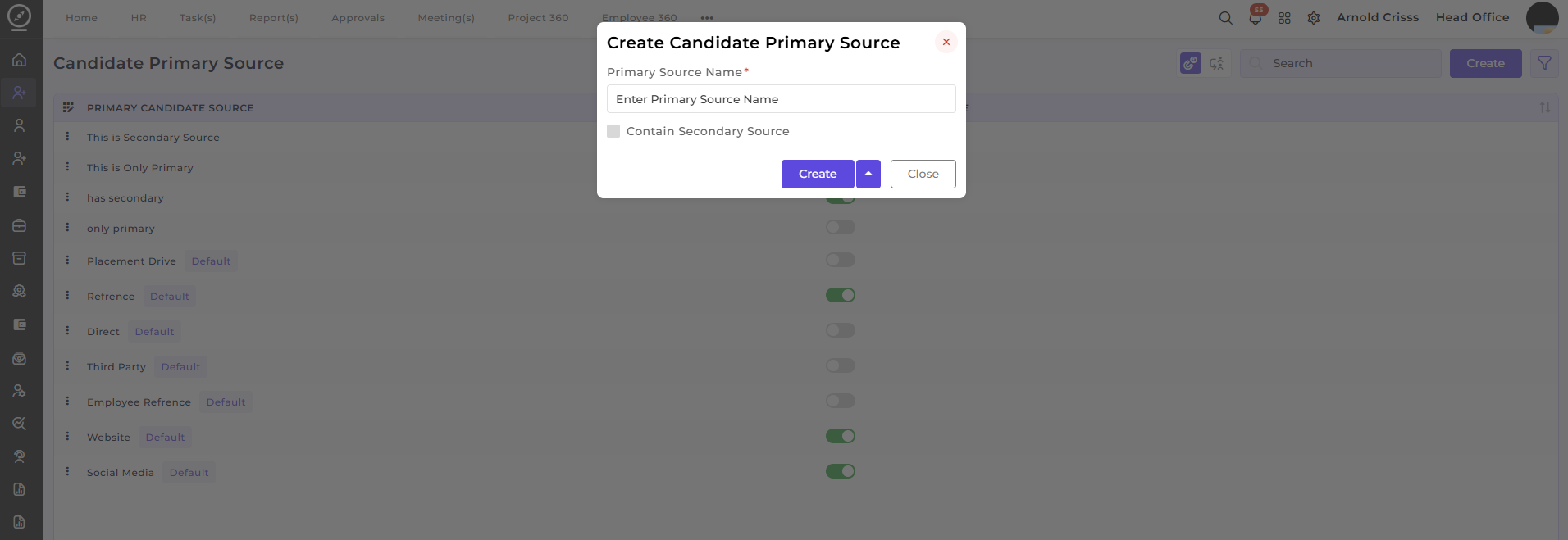
Creating Candidate Primary Source:
-
Enter the name of the Primary Source (e.g., Job Portal, Referral, Placement Drive).
-
You can enable the option to associate a Secondary Source with this primary source. For example, if the primary source is a Job Portal, the secondary source could be LinkedIn if the candidate came through both.
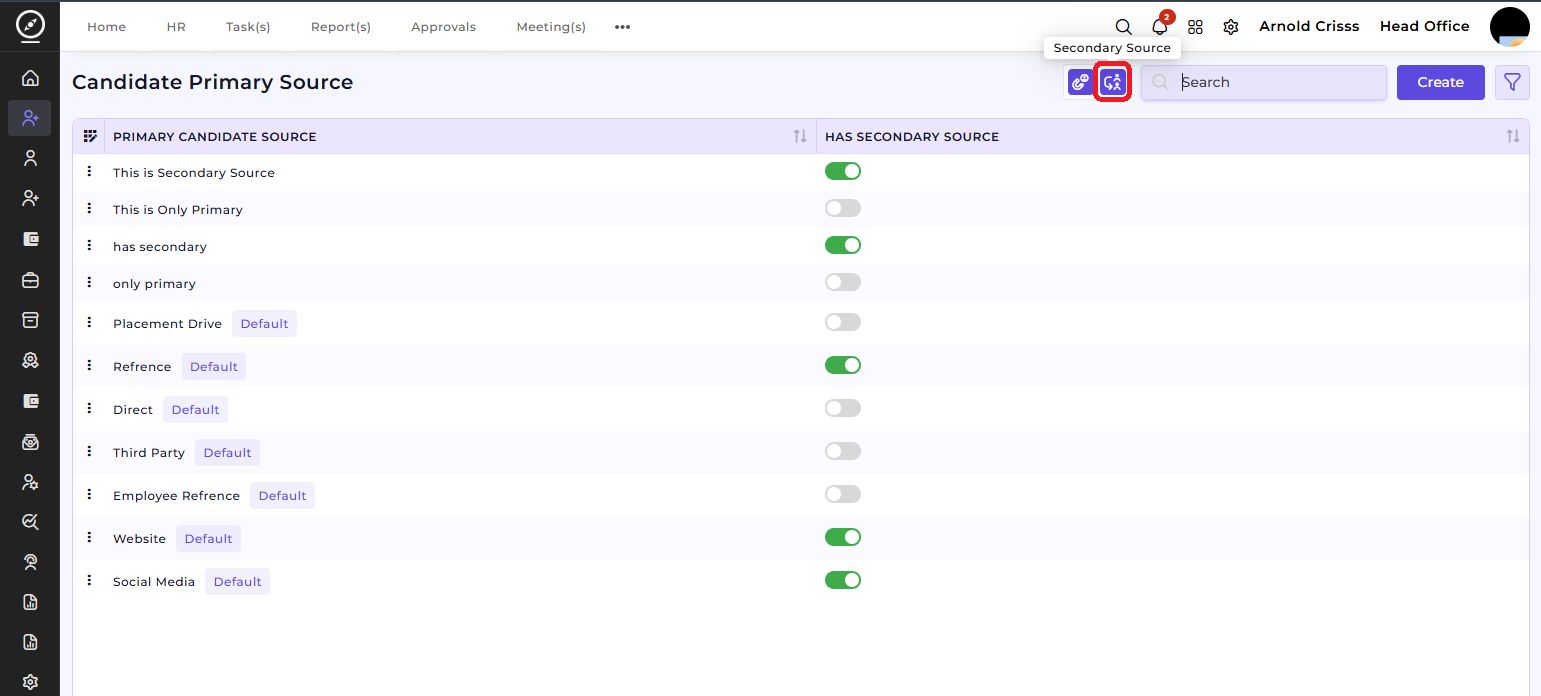
You can navigate to Candidate Secondary Source page by clicking on the Secondary Source button shown below.
Creating Candidate Secondary Source:
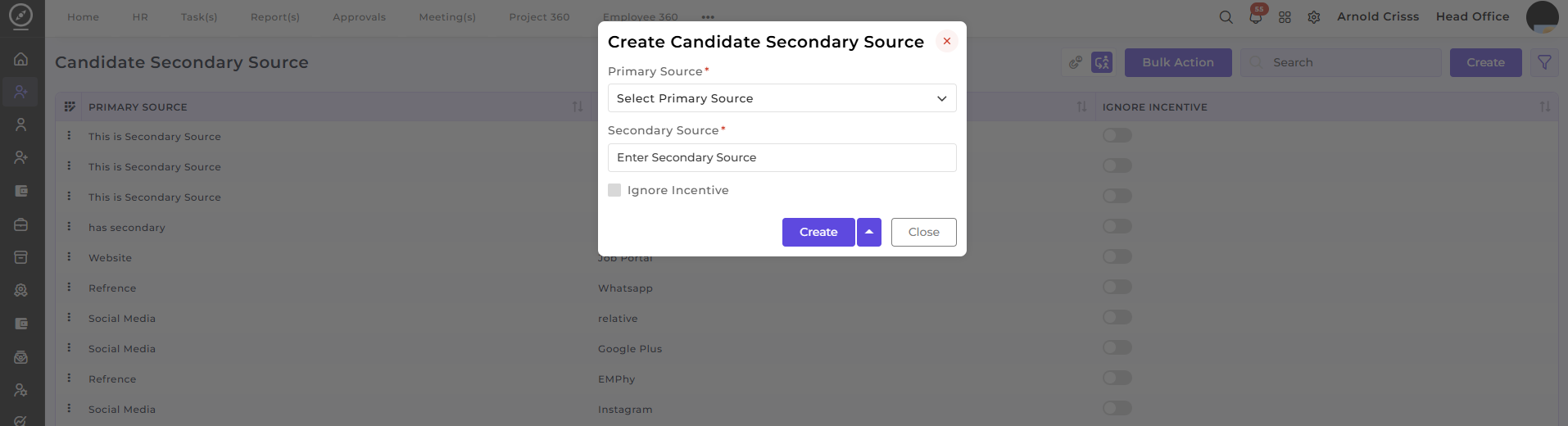
The Bulk Action feature allows you to delete multiple sources (both primary and secondary) simultaneously, making the source management process faster and more efficient.