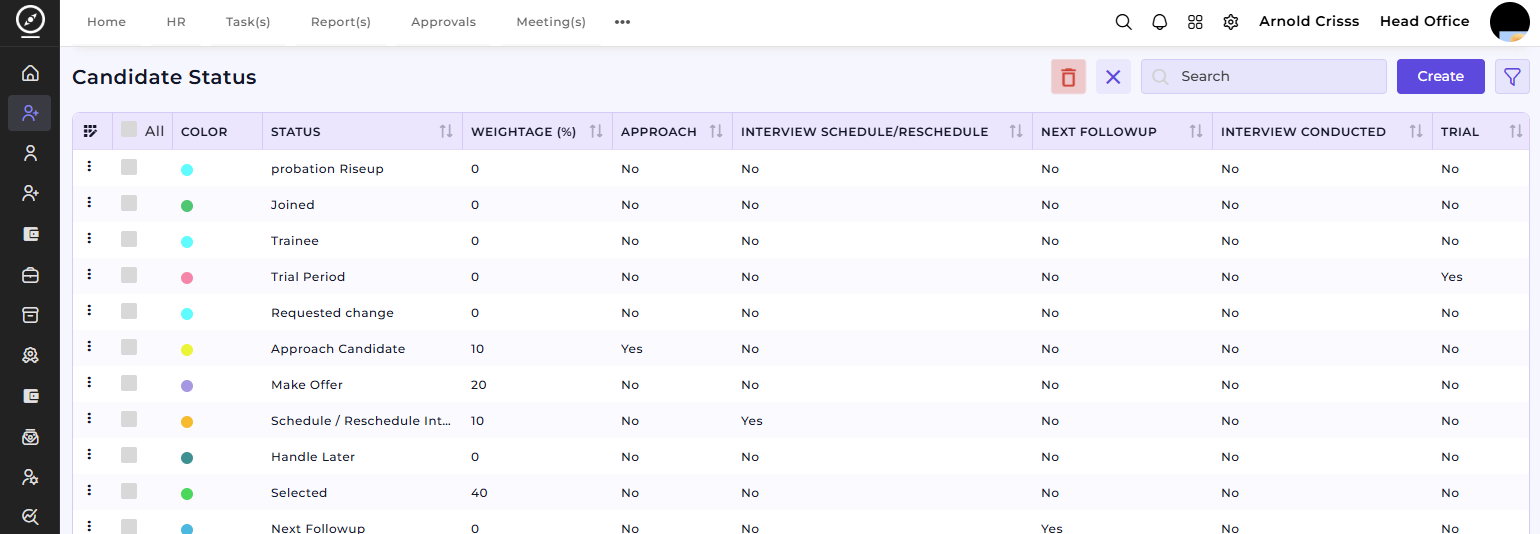
Candidate Status
Candidate Status Page
The Candidate Status page allows you to manage and categorize candidates through various stages of the recruitment process. You can assign status labels to candidates to track their progress, making it easier to see where each candidate stands in the recruitment workflow.
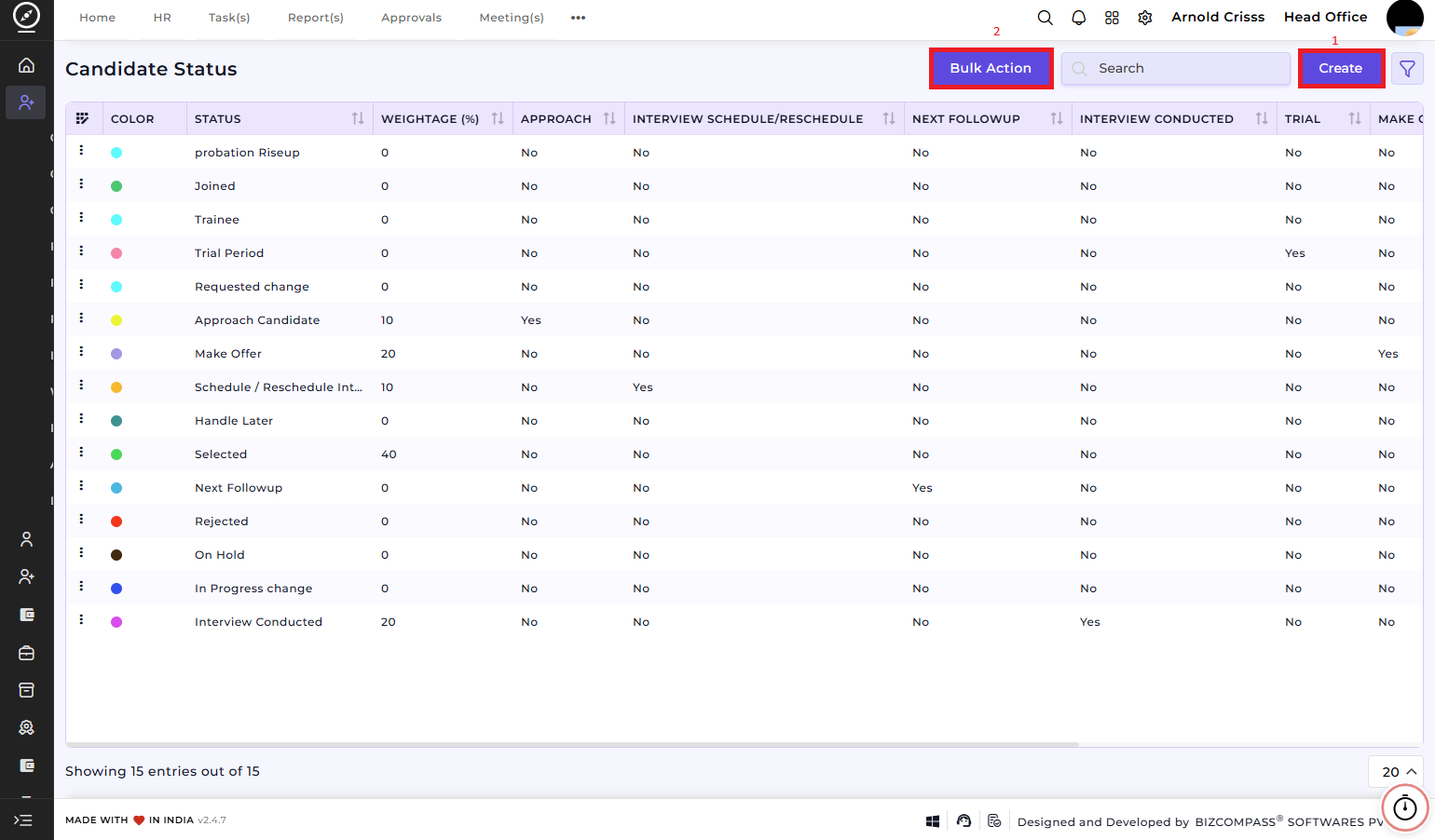
1) Create Candidate Status:
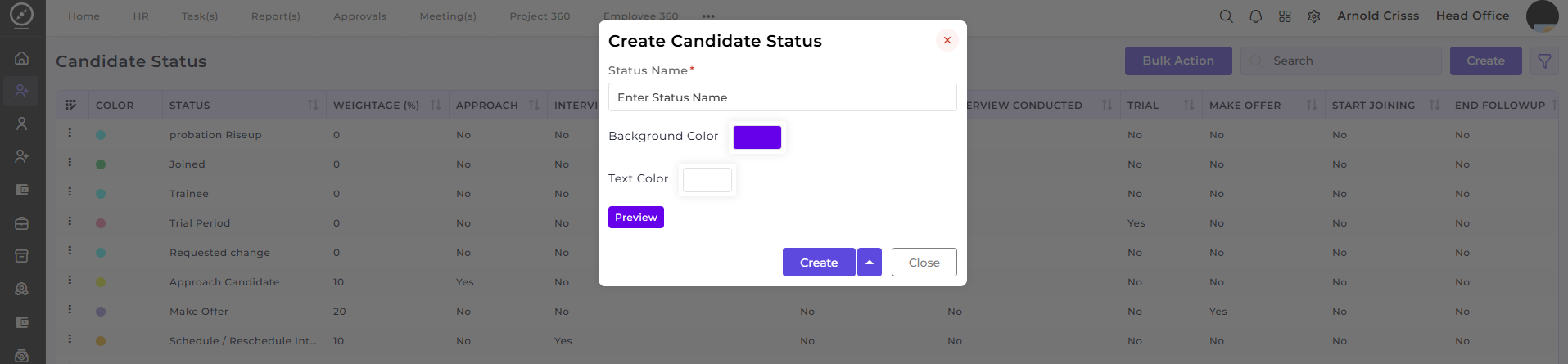
On this page, you can create a new candidate status by following these steps:
-
Enter the Status Name: The name represents a specific stage in the recruitment process, such as "Selected," "Rejected," "Interview Conducted," etc.
-
Choose Background Color: Select a color that represents the status visually.
-
Select Text Color: Choose the text color to complement the background and ensure readability.
Once a status is created, it is used to:
-
Mark candidates as they progress through different stages of hiring.
-
Track the status of candidates automatically.
-
Filter candidates by status to manage follow-up actions.
2) Bulk Action:
The Bulk Action button allows you to delete multiple candidate statuses at once, streamlining the management process.