
Candidate Status
The Candidate Status page allowsis youused toas managefollow-up andor categorizecandidate's candidatescurrent throughstatus variousor stagestaken of the recruitment process. follow-up.
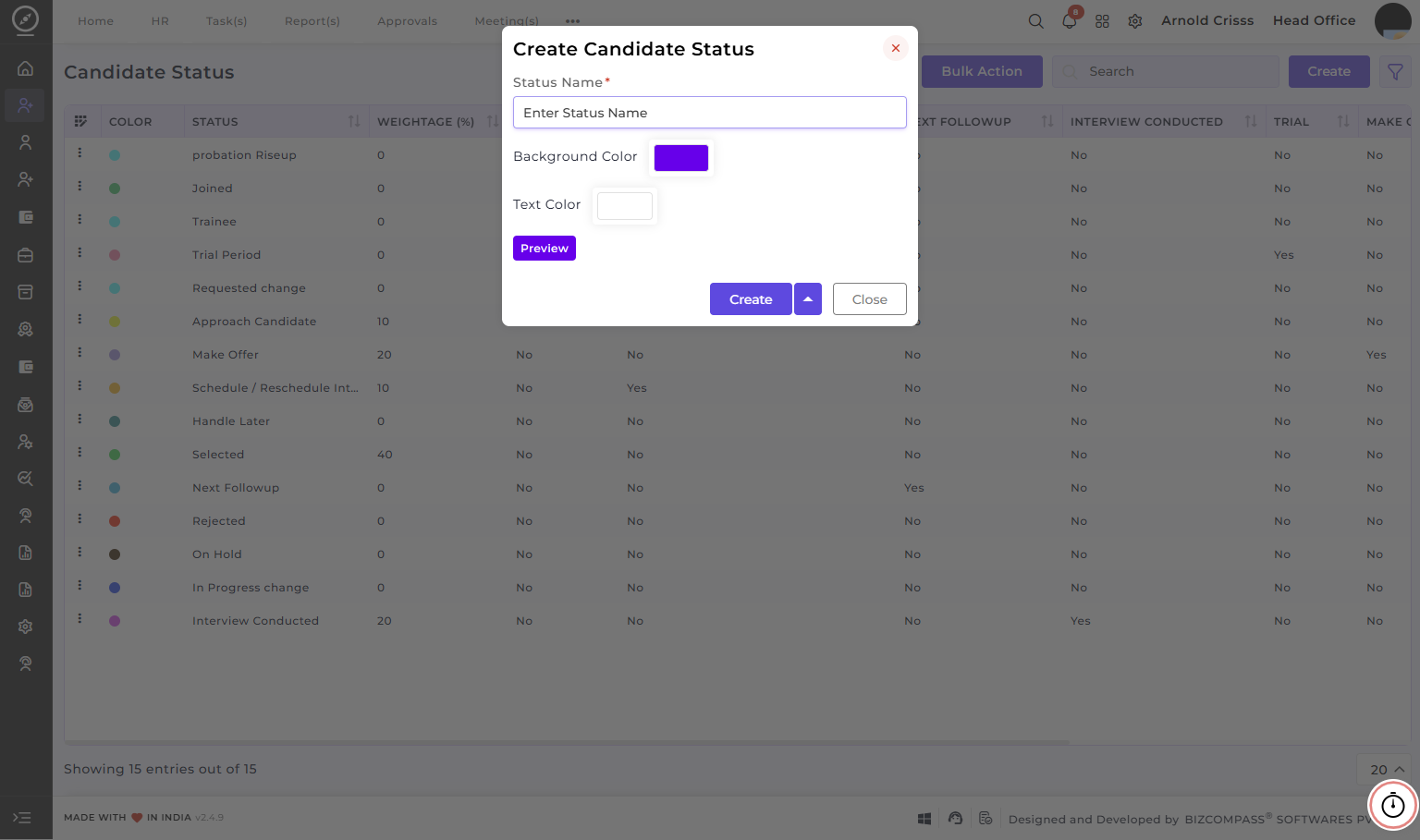
Create Candidate Status:
-
Enter the
StatusStatus/Follow-up Name that represents a specificstagestatus type in the recruitment process, such as Selected, Rejected, Interview Conducted, Made Offer, etc.
The Status Name which was used before can't be used again while creating another status.
-
Optionally choose a Background Color and Text Color that represents the status visually.(this can be used while reviewing applications at application list view)
- Preview the status look before creating it.
The Bulk Action button allows you to delete multiple candidate statuses at once, streamlining the management process.