
Customer Company
The Customer Company page allows you to add and manage customer company details that can be optionally linked to job openings.
if the organization is hiring or doing recruitment process for any company then we can use customer company and we can select the candidate for this customer's company.
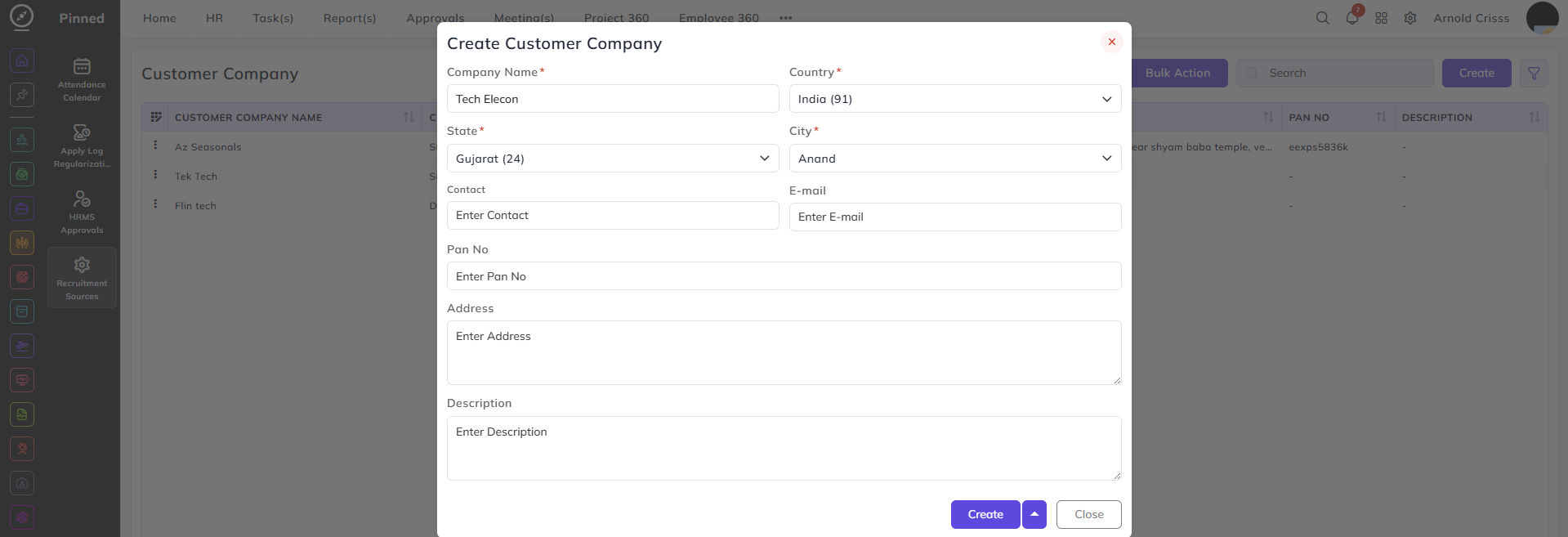
Create Customer Company:
- Add the customer Company Name.
- Enter its Country, State, and City.
- Optionally add the Contact Information, Pan No., Address, and Description.
With the Bulk Action feature, you can delete multiple customer companies at once, streamlining the process of managing and maintaining recruitment process.
This feature is optional while creating a job opening. If you are creating an opening for a specific customer company, you can configure this feature.