
Customer Company
The Customer Company page allows you to add and manage customer company details that can be optionally linked to job openings. It helps associate openings with the correct company if needed, improving tracking and reporting for specific clients.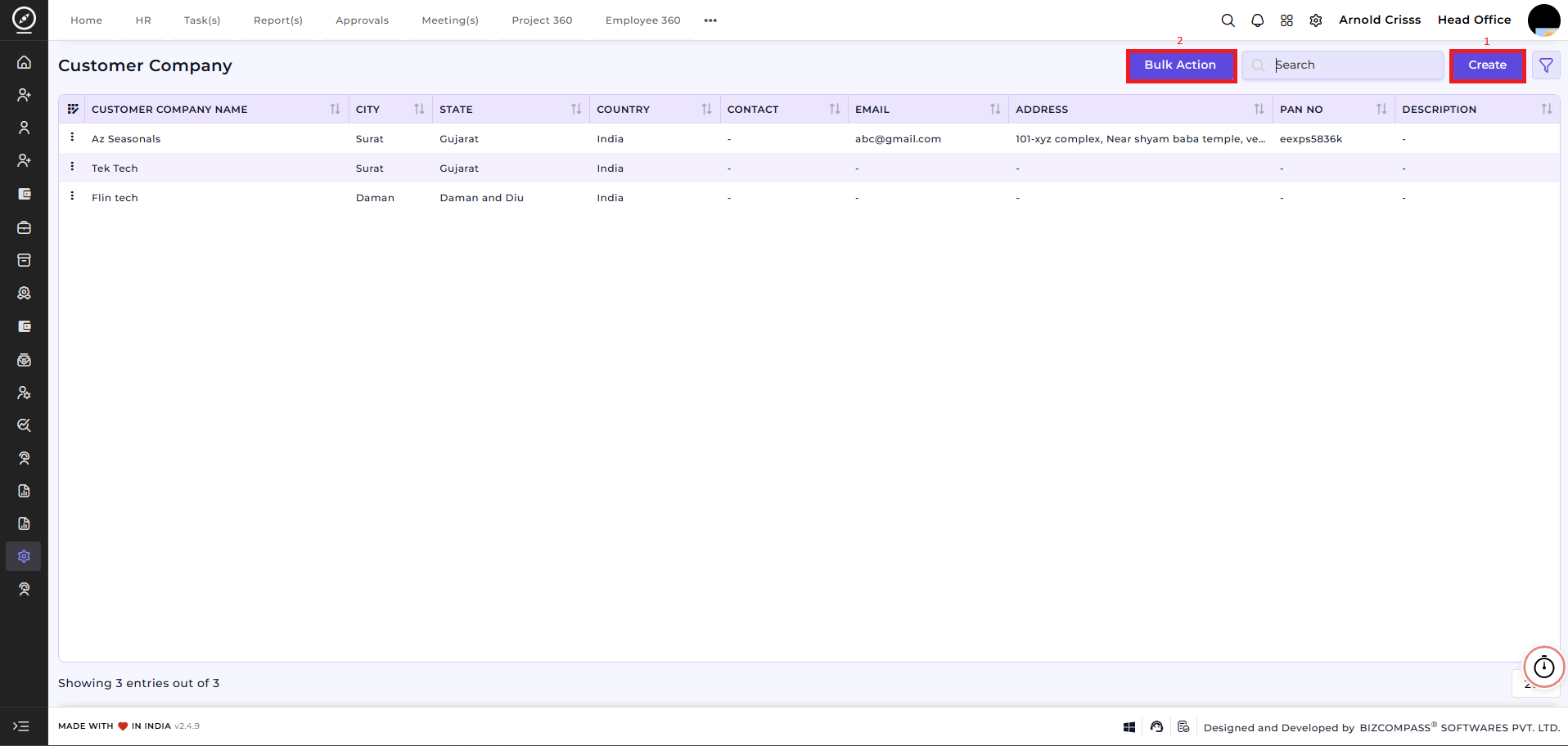
1) Create Customer Company:
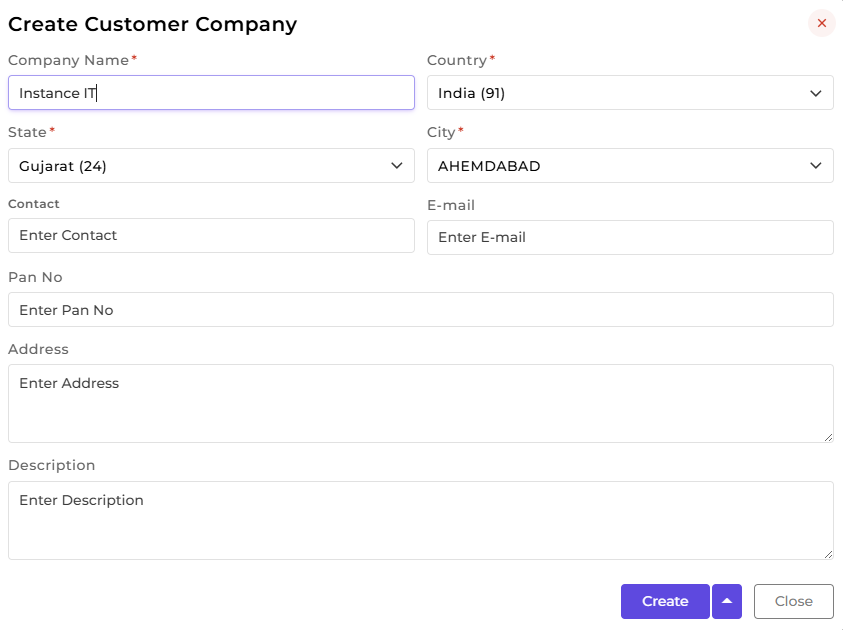
Use this option to add new customer companies, including details like company name, address, contact information, and description. Once created, these companies can be optionally selected while creating or editing a job opening.
2) Bulk Action:
With the Bulk Action feature, you can delete multiple customer companies at once, streamlining the process of managing and maintaining recruitment process.
