
Joining Stages
The Joining Stage page is used to configure the different stages (e.g., background verification, explain and send policy, document collection) of the onboarding process in the recruitment procedure. 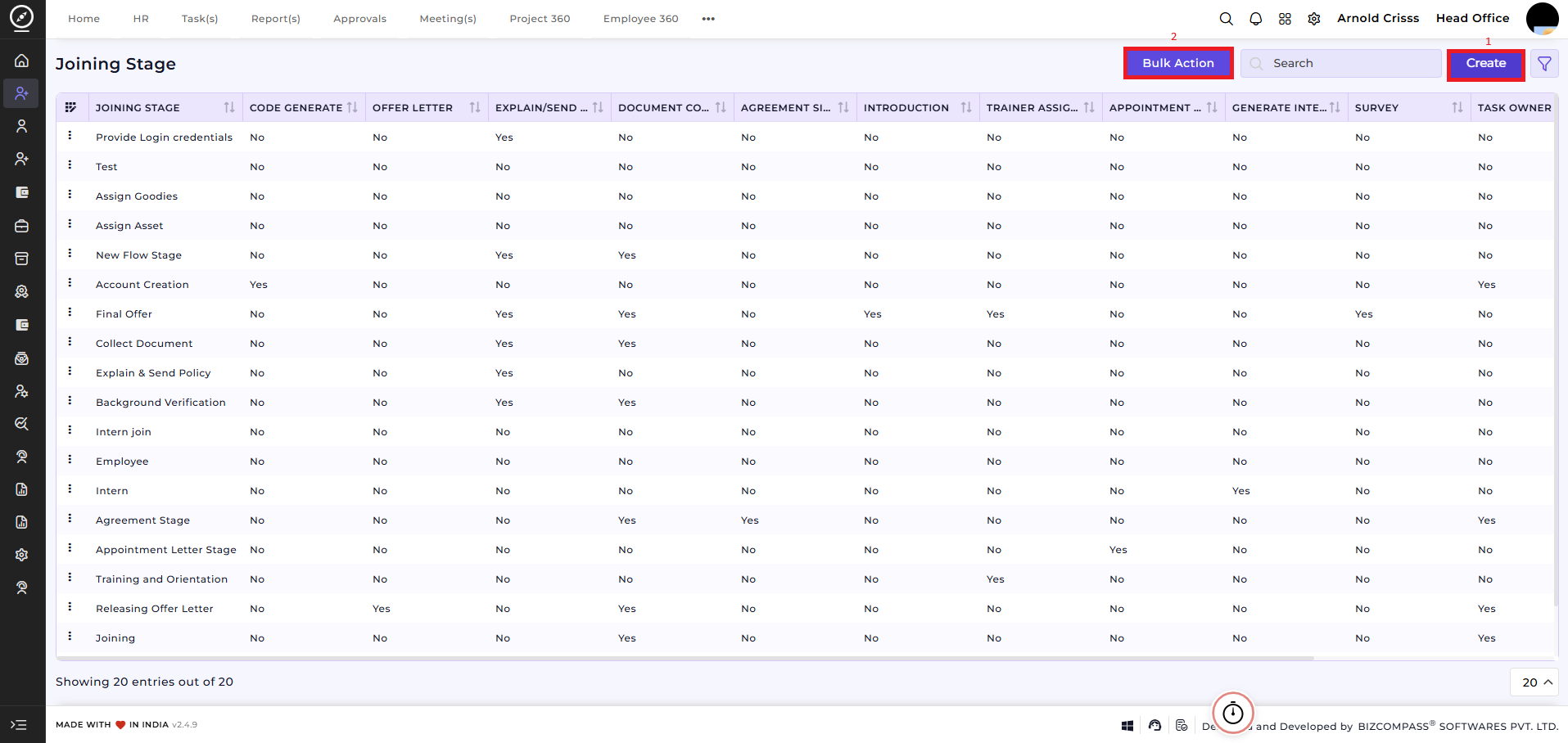
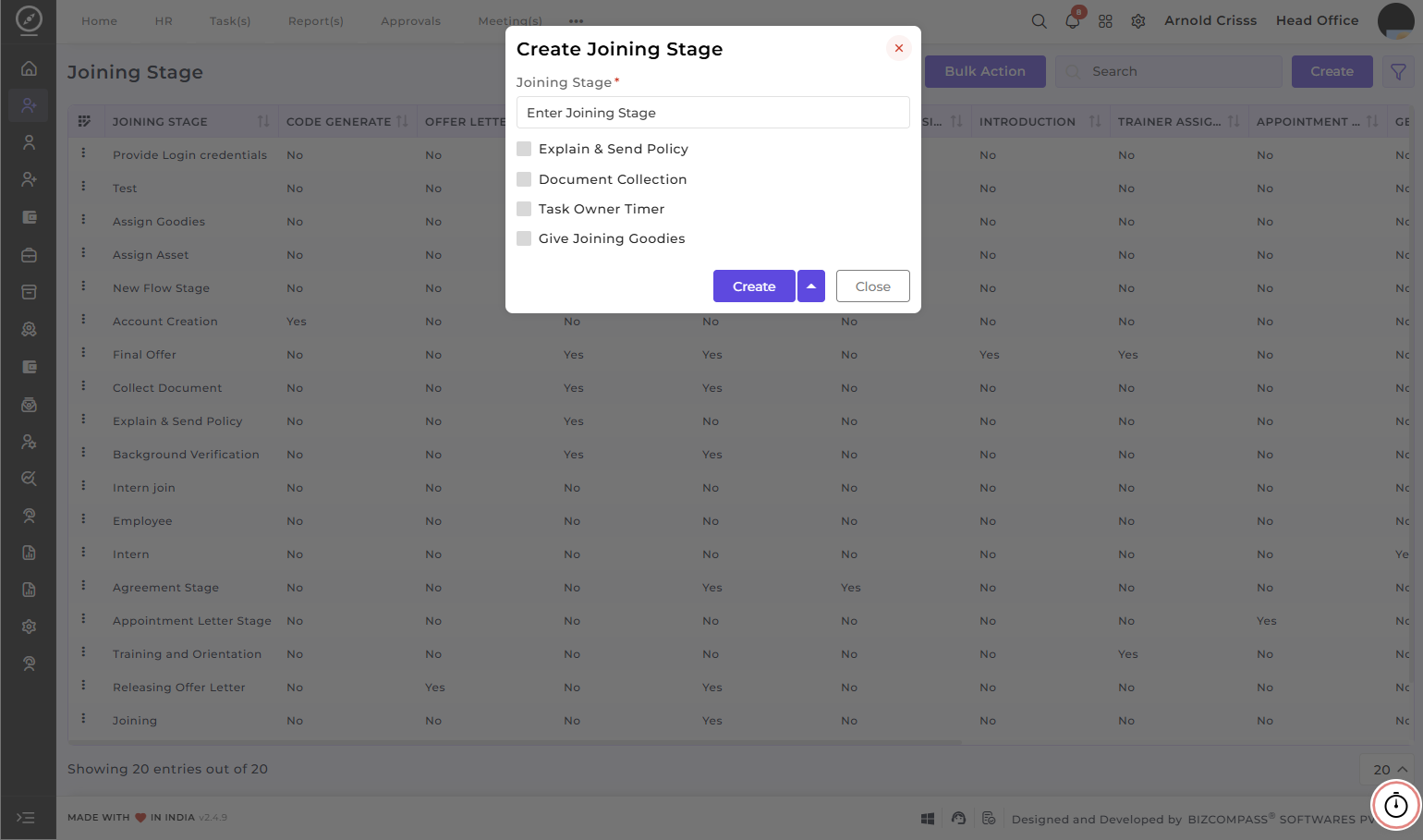
Create Joining Stage:
- Enter the Joining Stage name.
- Select the Explain & Send Policy option if you want to send company policies to the candidate and explain them during the joining process.
- Enable the Document Collection option to track and collect all required documents from the candidate.
- Enable the Task Owner Timer option to set task timer for the joining procedure.
- Check the Give Joining Goodies option to ensure the candidate receives welcome kits or joining goodies.
The Bulk Action button allows you to delete multiple joining stages at once, streamlining the management process.