Opening Status
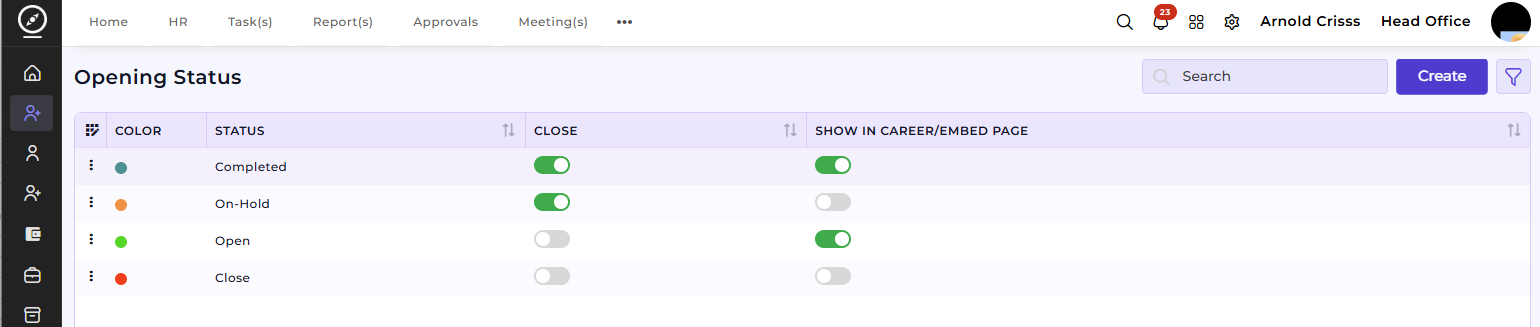
The Opening Status page allows you to track and manage the progress of each job opening (Close, Show in Career/Embed Page).
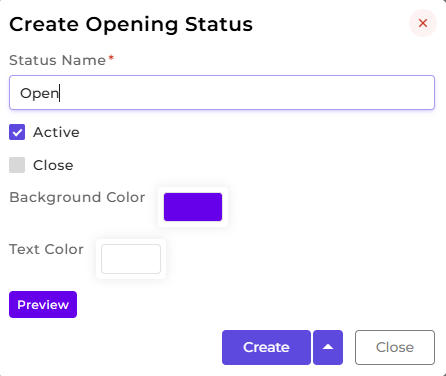
Create Opening Status:
- Enter a Status Name to define a new opening status.
- Optionally, assign a Color to easily differentiate statuses visually.
- Preview the status look before creating it.
If the status used has close enabled, the visibility of that opening will be removed, even from embedded pages.
Show in Career/Embed Page: This is used to publish the opening with that status on public-facing pages.(We can either copy the referral link or add an iframe/javascript for the website code.)