
Qualification Master
The Qualification(s) page allows you to manage and create educational qualifications required for adding candidates during recruitment. 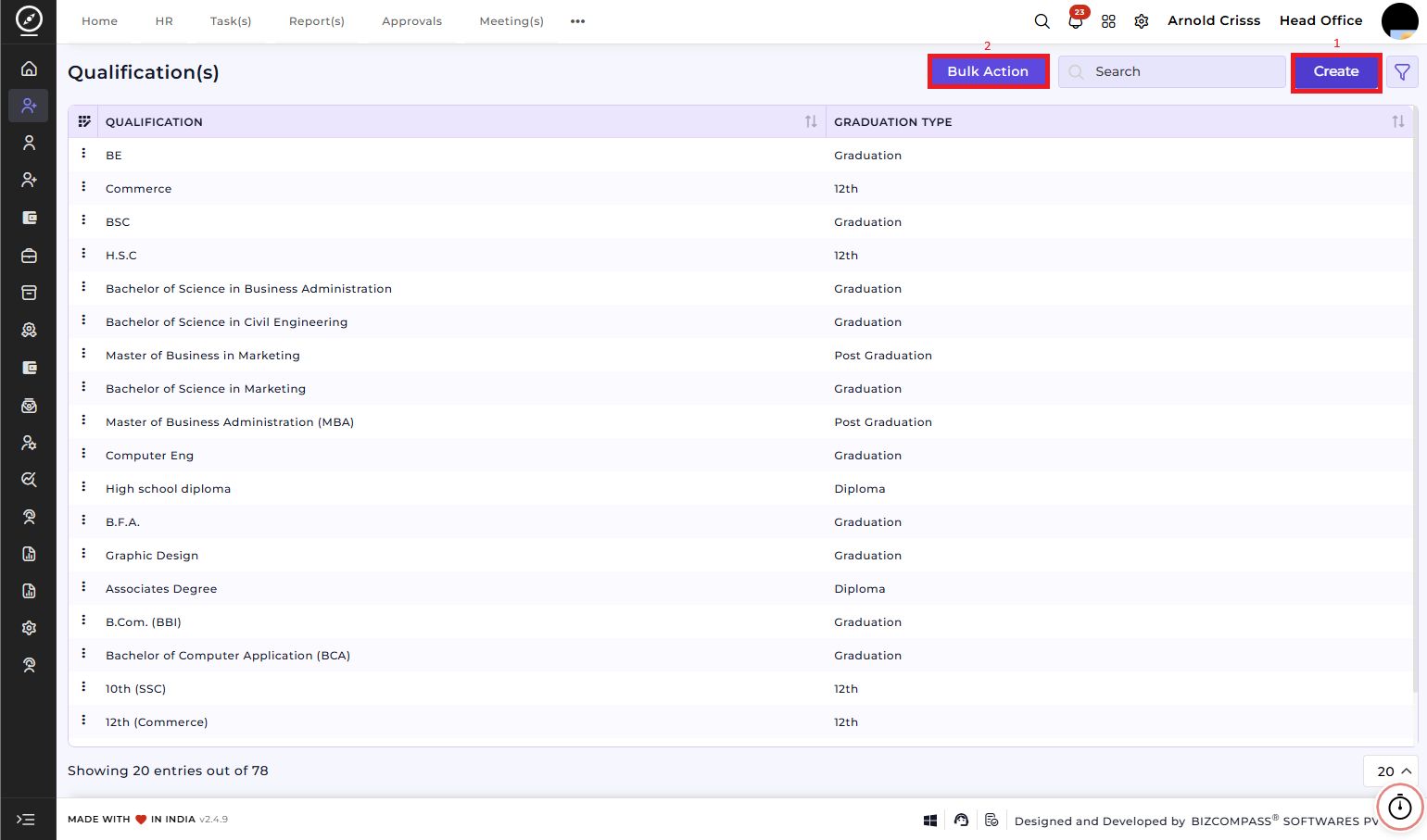
1) Create Qualification(s):
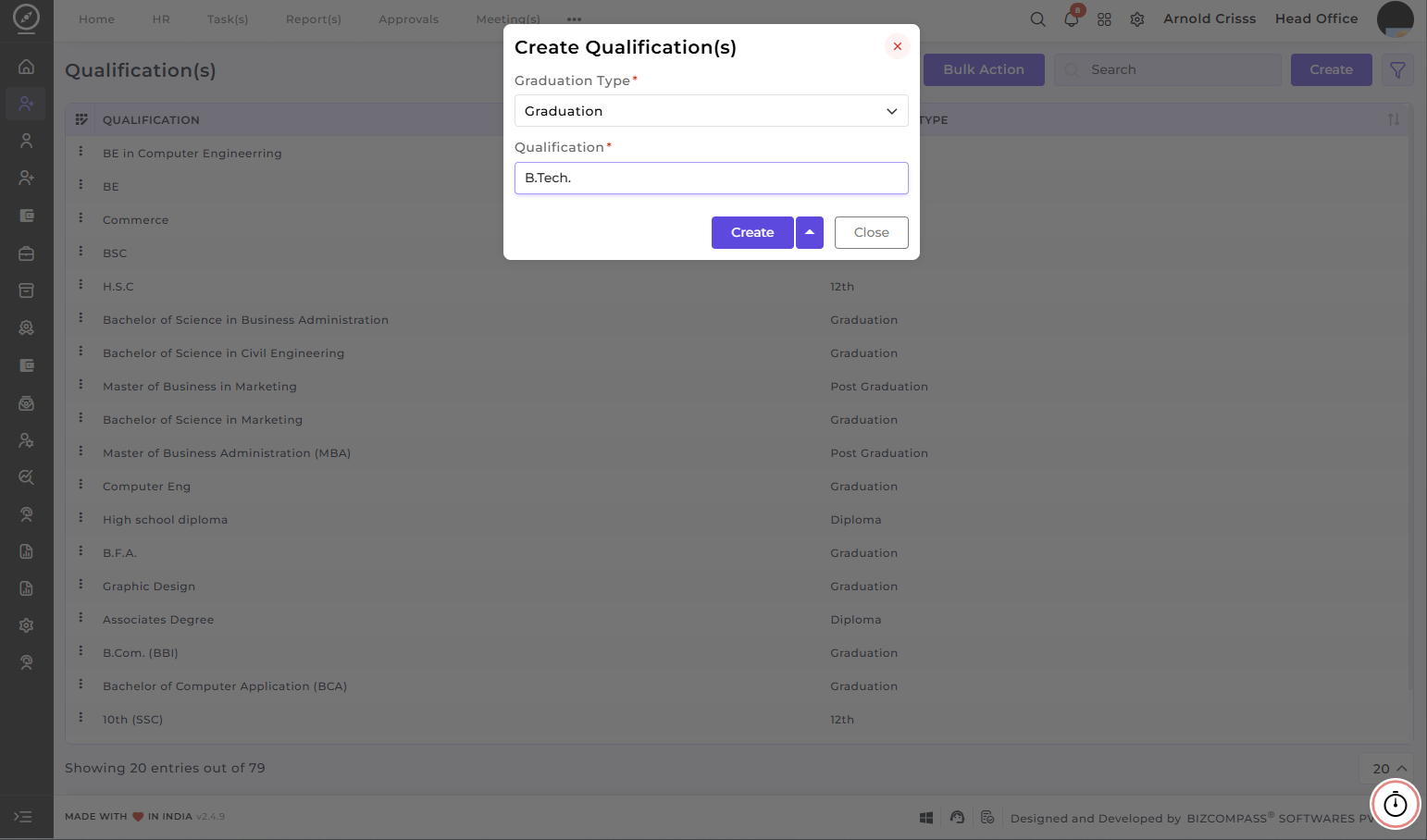
To add a new qualification:
-
Select Graduation Type
Choose the appropriate graduationleveltype from the dropdownmenu.menuFor example:(Post
GraduationGraduation, Graduation, 12th, Diploma).-
Graduation 12thDiploma
Enter Qualification
Type the specific qualification name in the provided field. (For example:- MBA,
Bachelor of
ScienceScience,Master of Business Administration (MBA)Diploma in Computer Applications (DCA)
CreateClick theCreatebutton to save the qualification. The newly added qualification will now be available for use while adding candidate details.etc.)
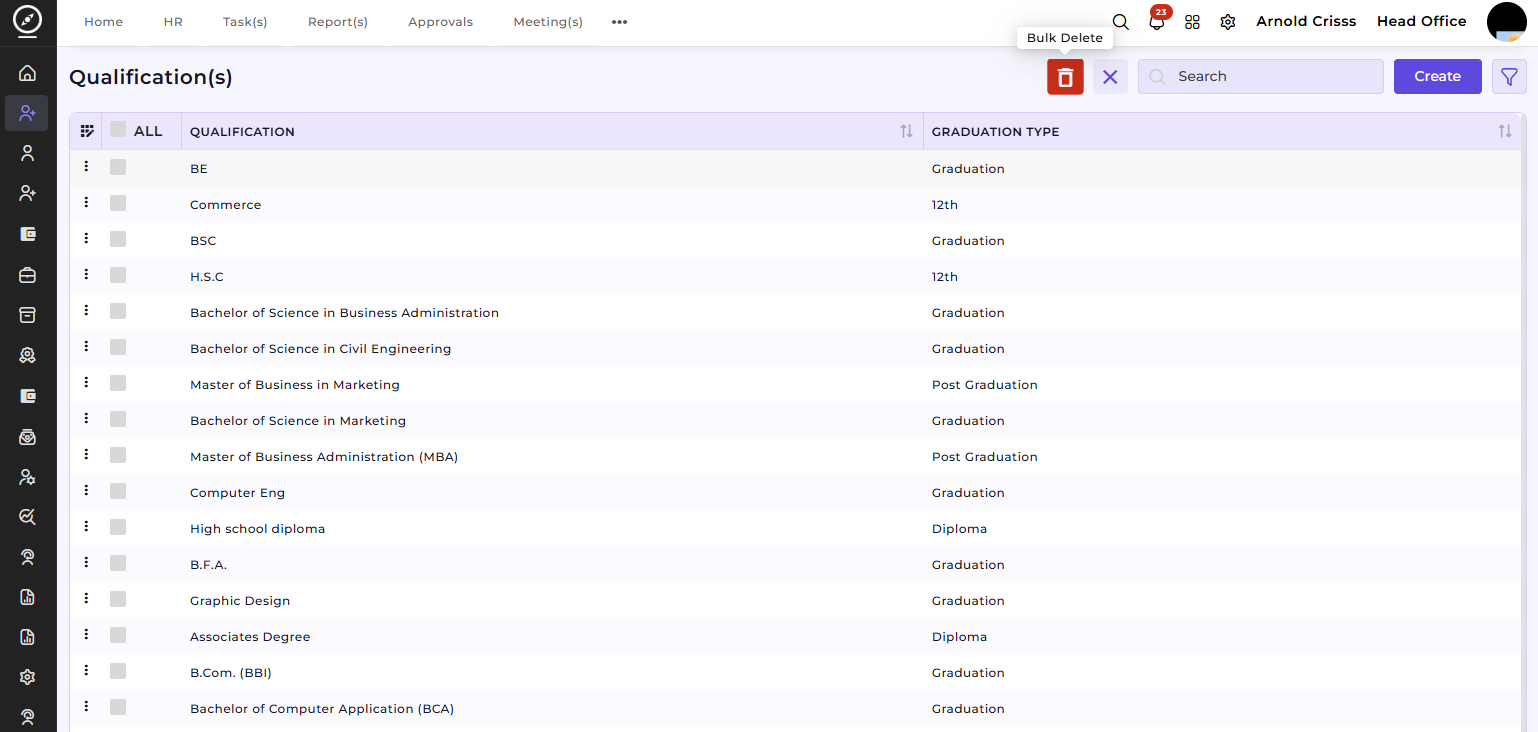
2) Bulk Action:
With the Bulk Action feature, you can delete multiple qualifications at once, streamlining the process of managing and maintaining recruitment process.
This feature is not mandatory as this information can be generally fetched from the resume itself for candidate profiling and recruitment decision-making, as it links directly to the Add Candidate process.