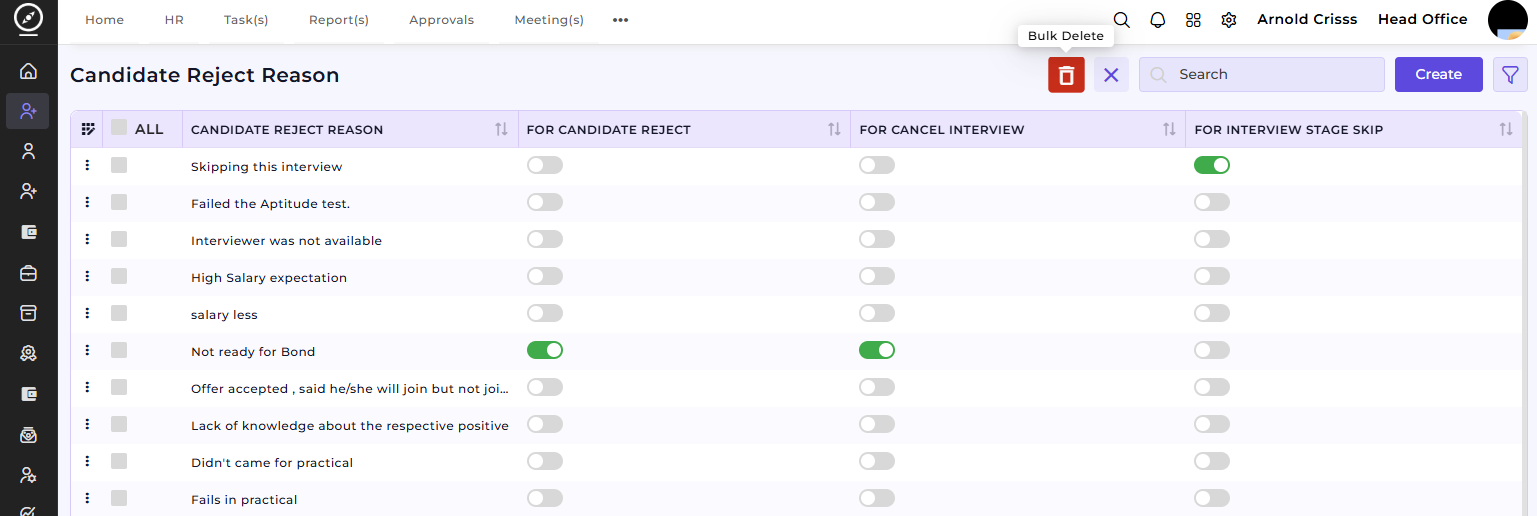
Candidate Reject Reason
The Candidate Reject Reason page allows you to define reasons for rejecting a candidate. These reasons can be linked to interview stages or overall rejection and provide a standardized method of tracking why candidates are not moving forward in the process.
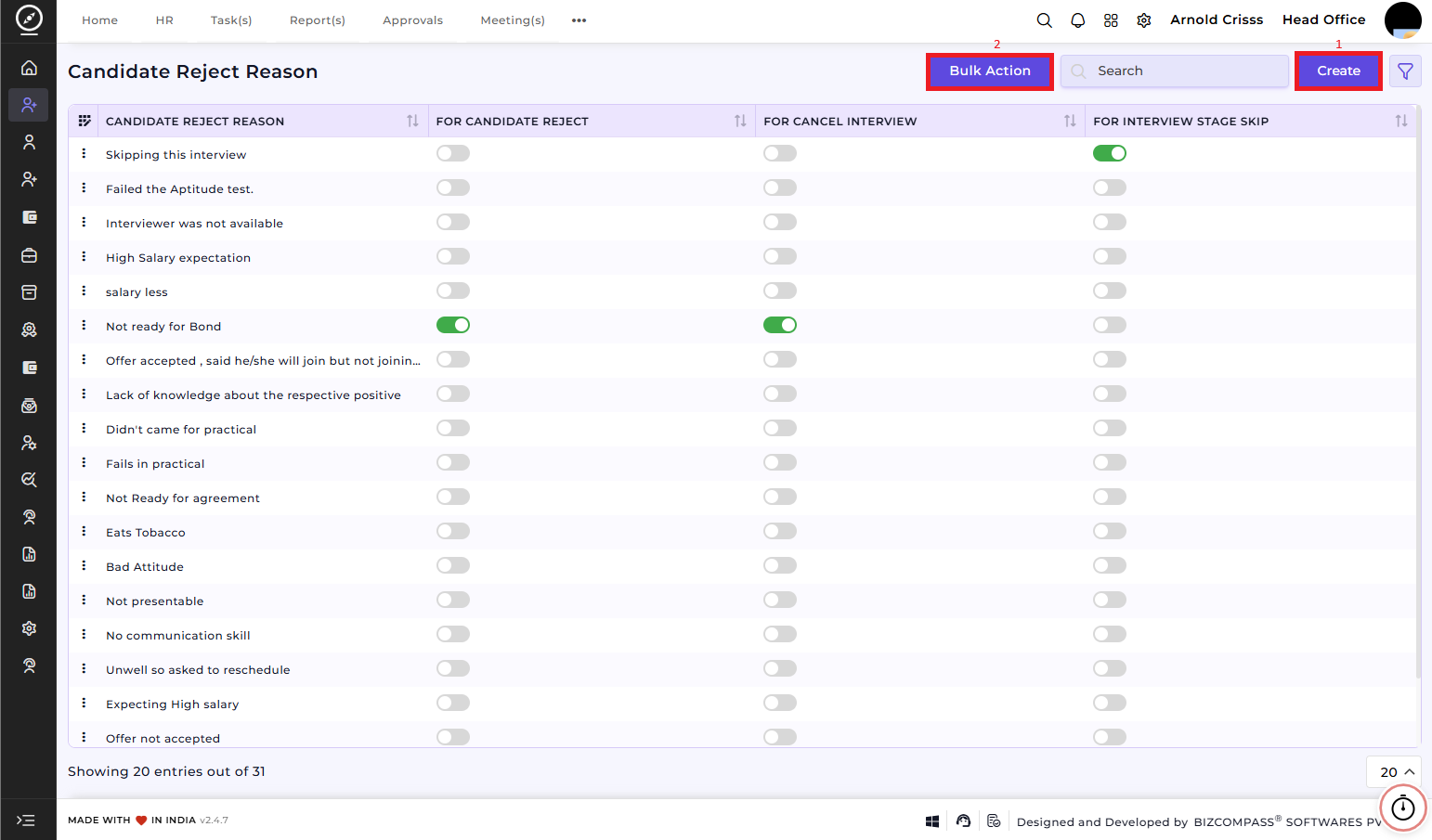
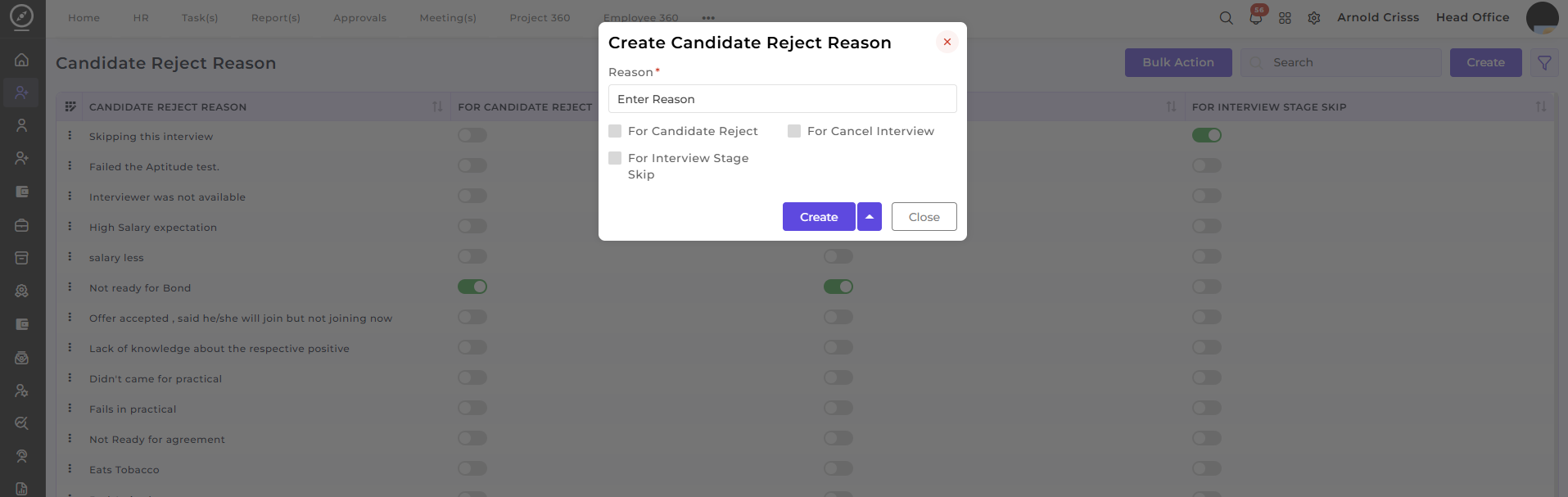
1) Create Candidate Reject Reasons:
-
Enter the Reason: This is where you define why the candidate is rejected, such as "Salary Expectations Too High," "Lack of Experience," or "Failed the Aptitude Test."
-
Choose Rejection Type: You can specify if the reason applies to the overall rejection or specific interview stage rejection.
-
Enable/Disable Options: You can activate or deactivate each reason based on your needs for filtering purposes.
2) Bulk Action:
The Bulk Action button allows you to delete multiple candidate reject reasons at once, streamlining the management process.