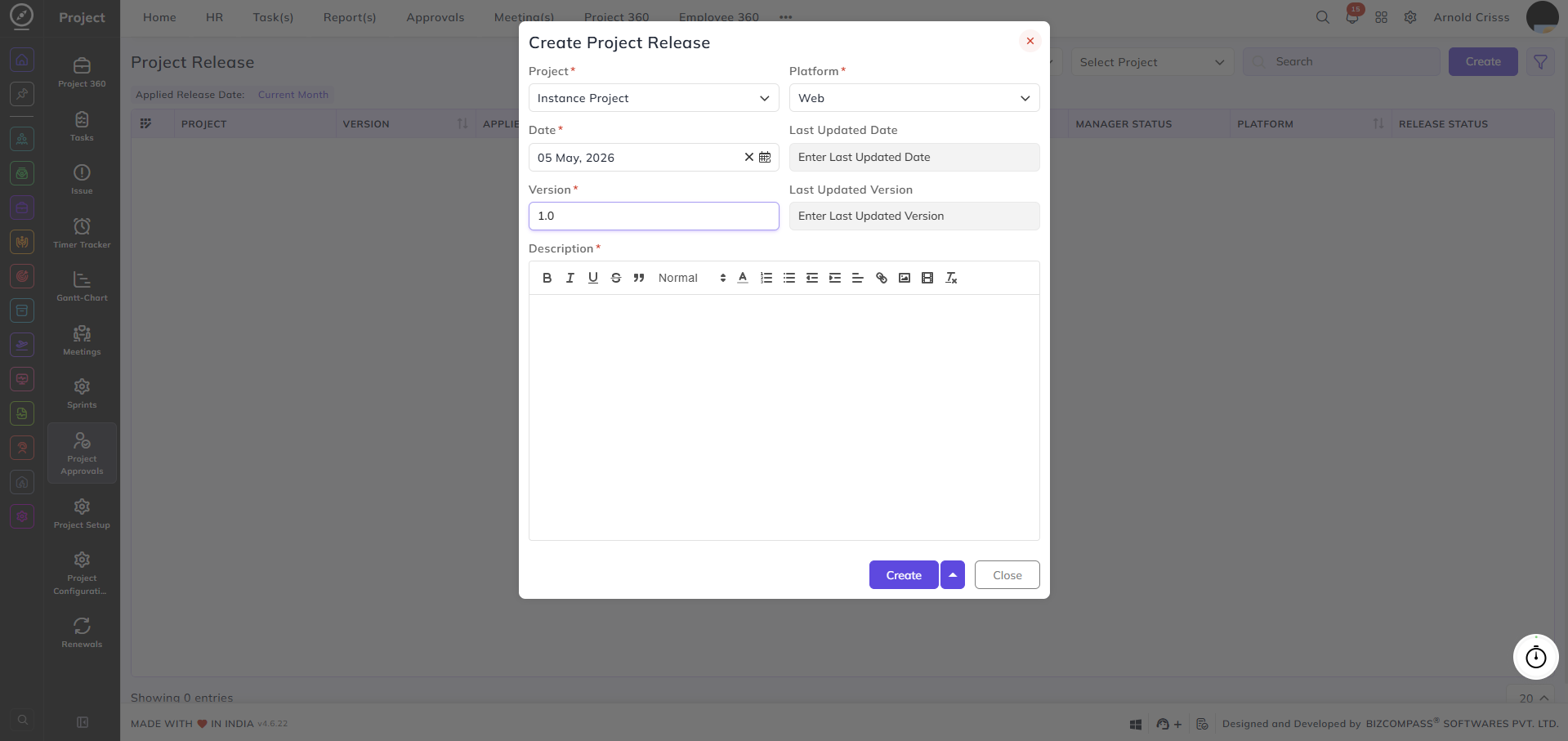
Project Release
From this page, you can create and manage project releases. A release is used to document and track a versioned delivery of a project, capturing what was released, on which platform, and when.
Project:
Select the project this release belongs to.
Platform:
Select the platform this project is associated with (e.g., Web).
Date:
Set the release date.
Version:
Enter the version number for this release (e.g., 1.0).
Last Updated Date:
Enter the date on which the release was last updated.
Last Updated Version:
Enter the version number from the last update.
Note: The Last Updated Date and Version fields are only applicable when updating an existing release and can be left empty when creating a release for the first time.
Description:
Add a detailed description of the release using the rich text editor.