
PMRS Target
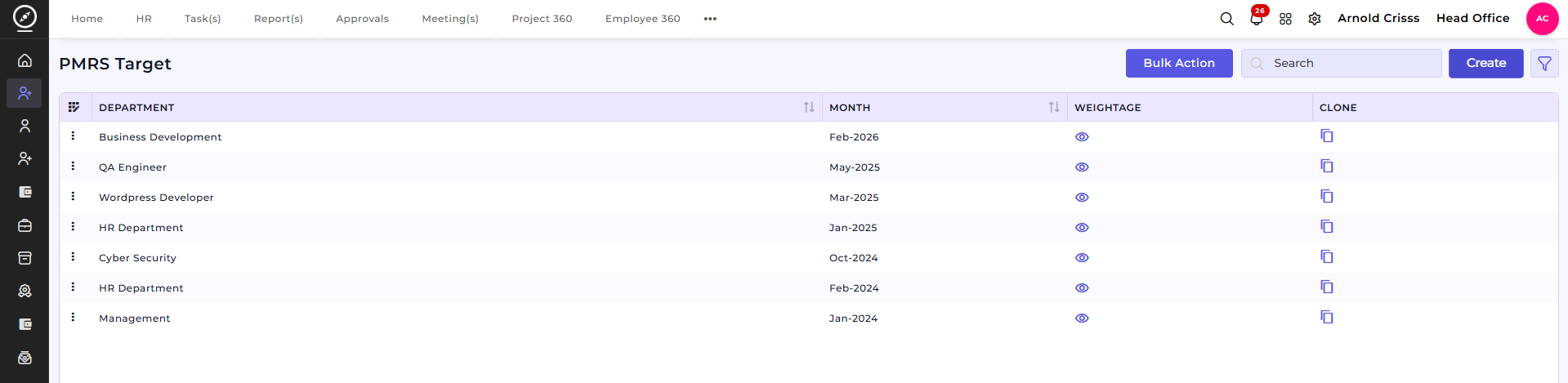
The PMRS Target feature is used to define and manage monthly performance targets for employees within a department. It helps organizations track individual contributions against predefined goals for a specific month.
Create PMRS Target:Overview:
On this page, you can create monthly PMRS targets by assigning target values to selected employees within a department.
Overview:Create PMRS Target:
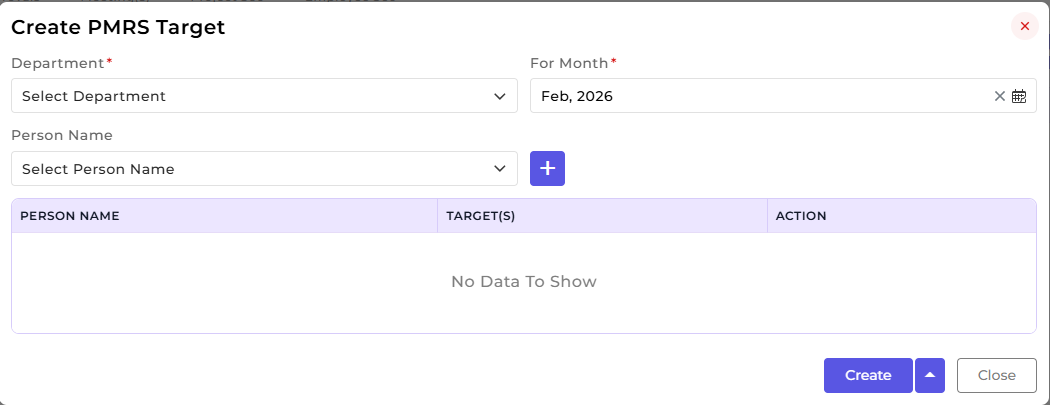
This section is used to configure department-wise and person-wise targets for a selected month.
-
Select the Department.
-
Choose the applicable Month.
-
Select the Person Name from the department.
-
Add the person to the list using the Add (+) button.
-
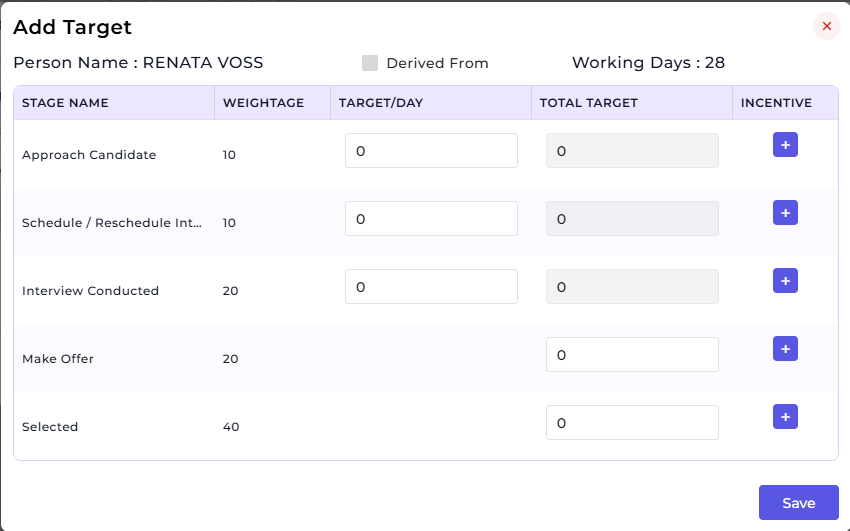
Define Target(s) for each selected person.
-
Review or remove entries using the Action column.
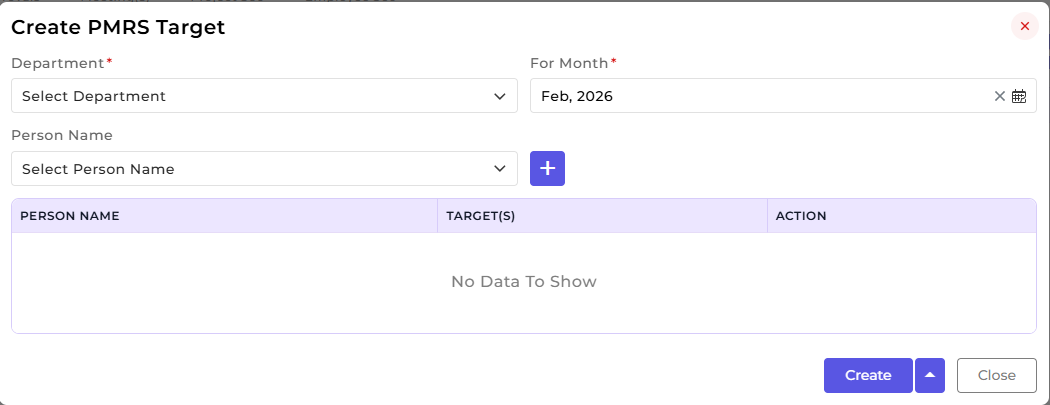
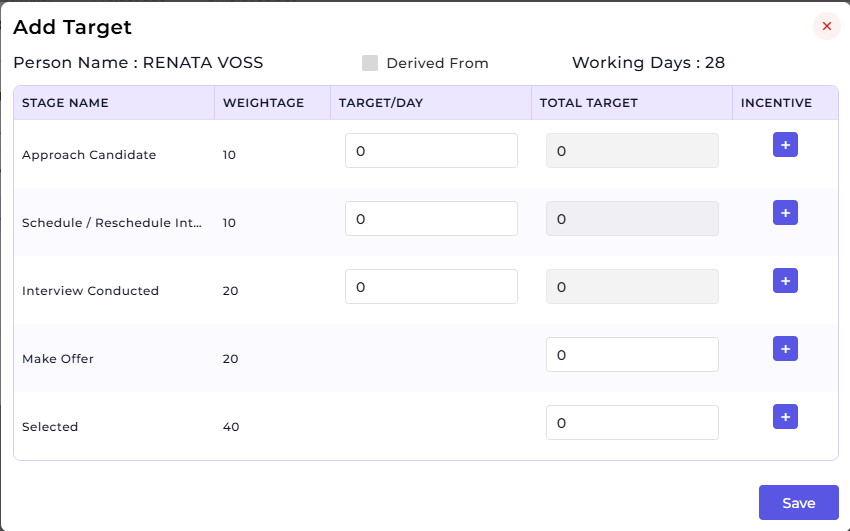
This setup allows multiple employees to be assigned targets within a single configuration.
How this feature helps:
The PMRS Target feature ensures structured performance planning and tracking across departments.
It helps Managers to:
-
Define clear monthly targets for employees
-
Assign department-specific performance goals
-
Monitor individual accountability
-
Maintain consistency in performance measurement
Once a PMRS Target is created, it can be used for:
-
Tracking employee performance against monthly goals
-
Reviewing individual contributions during evaluations
-
Supporting performance reports and analysis
-
Aligning employee efforts with departmental objectives
This ensures transparent, measurable, and goal-oriented performance management across the organization.