
Test Scenario Groups
From this page, you can organize test scenarios into groups, making it easier to assign and manage collections of related test cases across projects.
The groups created here can be directly assigned to modules and tasks, making test case management faster and more organized.
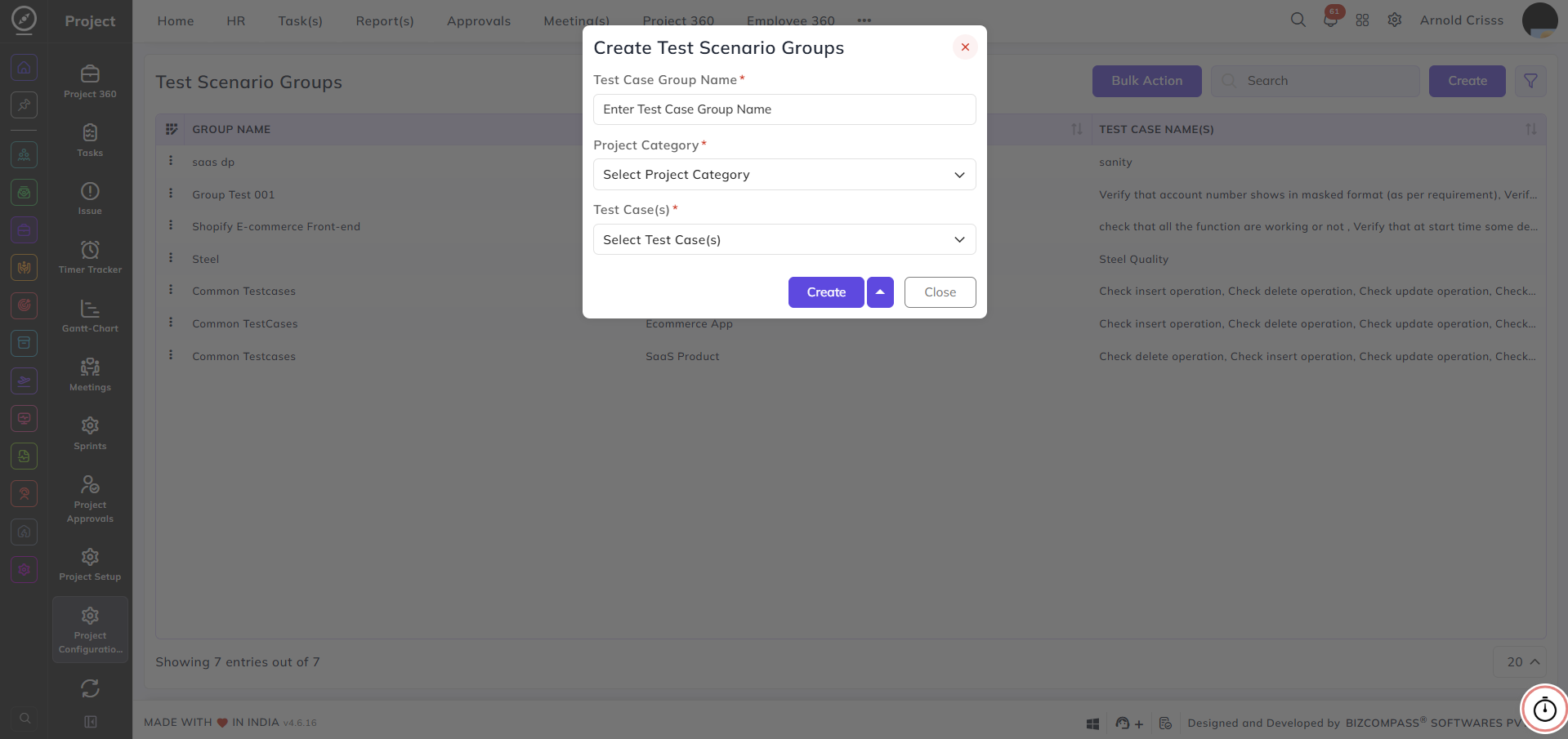
Test Case Group Name:
Enter a name for the group — for example, Common TestCases or Shopify E-commerce Front-end.
Project Category:
Select the project category this group belongs to.
Test Case(s):
Select the test cases to include in this group.
With the Bulk Action feature, you can delete multiple test scenario groups at once, streamlining the management process.