
Vendors
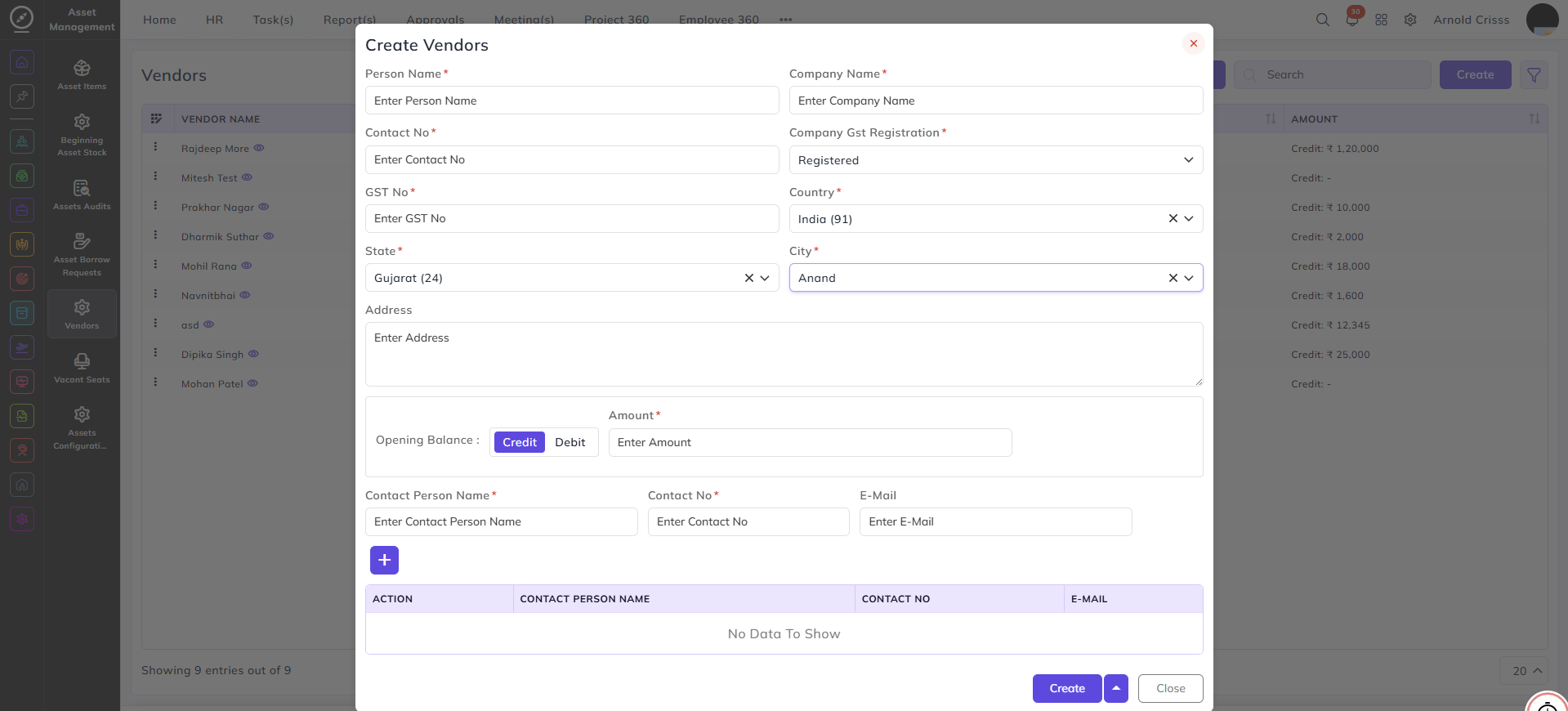
This page is used to create vendors.
- Enter the Vendor Name.
- Enter the Company Name.
- Enter the Contact Number.
- Select whether the vendor is Registered or Unregistered. If registered, enter the GST Number.
- Select the Country, State, and City.
- Enter the Opening Balance and select Debit or Credit.
- Enter the Contact Person Name, Contact Number, and Email Address.
- Add the details by clicking on the "+" button.
With the Bulk Action feature, you can delete multiple vendors at once, streamlining the process.