Holidays
From this page, you can create multiple holidays for your company for holiday types like National Holidays, Festival Holidays, or Other Holidays.
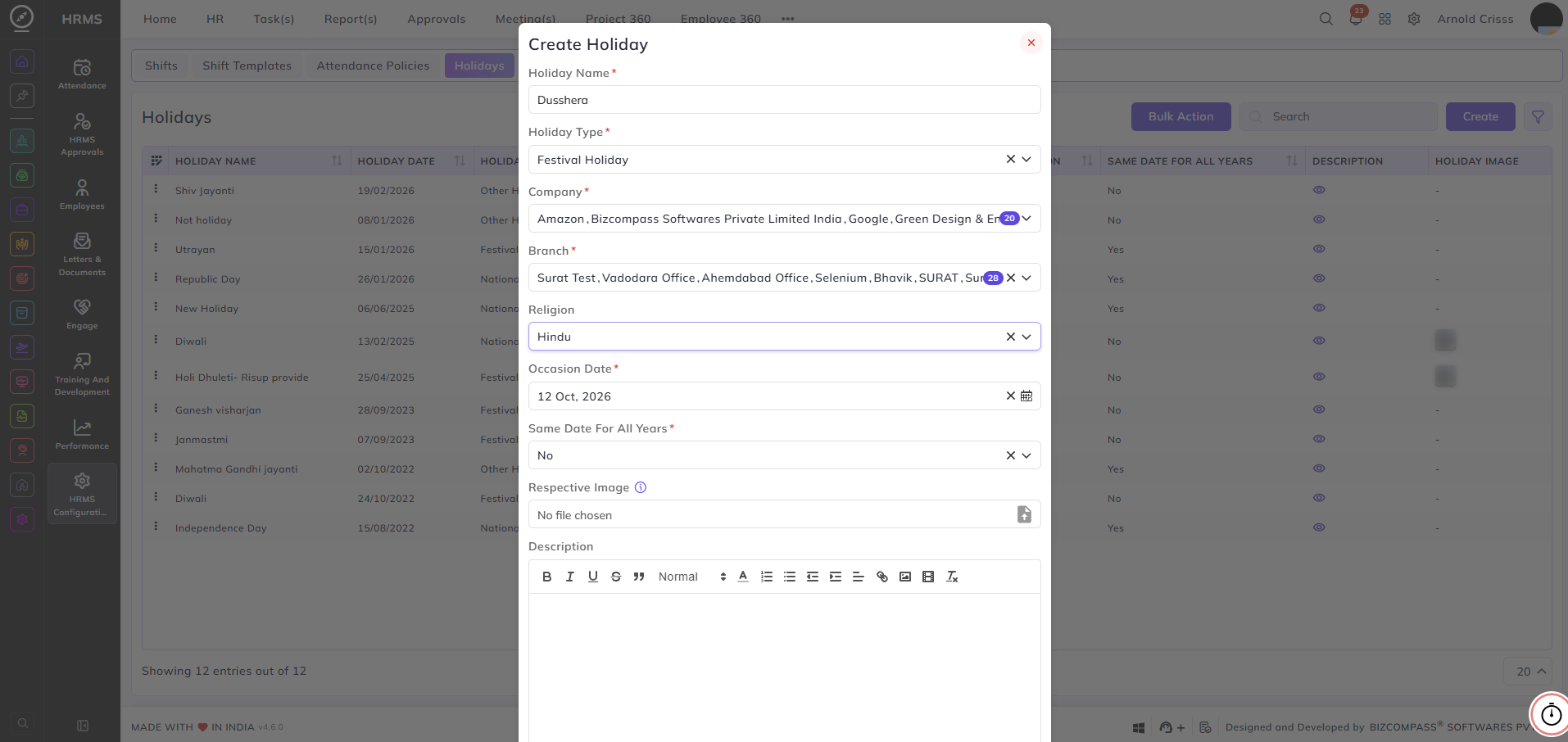
Create Holidays:
- Enter the Holiday Name.
- Select the Holiday Type (National Holiday, Festival Holiday, or Other Holiday)
- Select the Company(s) and Branch(s) for which the holiday is applicable.
- Optionally select the Religion for the holiday.
- Specify the Occasion Date and if this holiday comes on the Same Date For All Years.
Note: If selected Yes in the Same Date For All Years, then you don't need to create the holiday again for the next year. If not, you need to create that holiday again for the next year.
- Optionally add an Image and Description for the holiday.
The Bulk Action button allows you to delete multiple holidays at once, streamlining the management process.
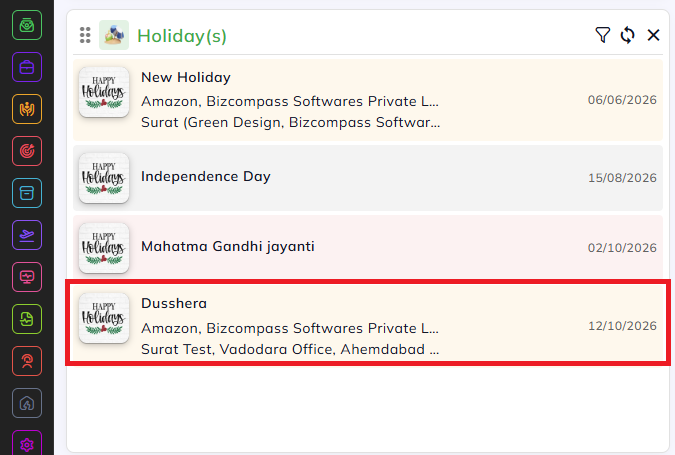
Once the holiday is created, it will be visible on the home dashboard of all employees of your company.