
Survey
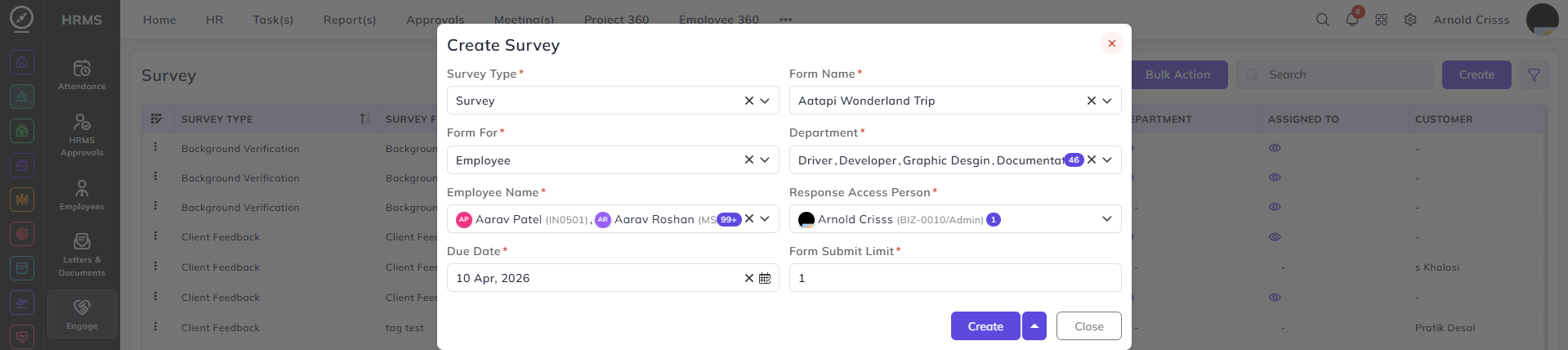
From this page, you can create a Survey. Navigate to HRMS->Engage->Survey.
- Select the Survey Type as Survey.
- In the Form Name, select the form created previously.
- Select if this form is for Employee or Customer in Form For.
- Select the Department(s) and Employees Name(s) who can fill this form.
- Set the Response Access Person, Due Date of the form and Form Submit Limit.
Once the survey is created, you'll see the form link generated for it.

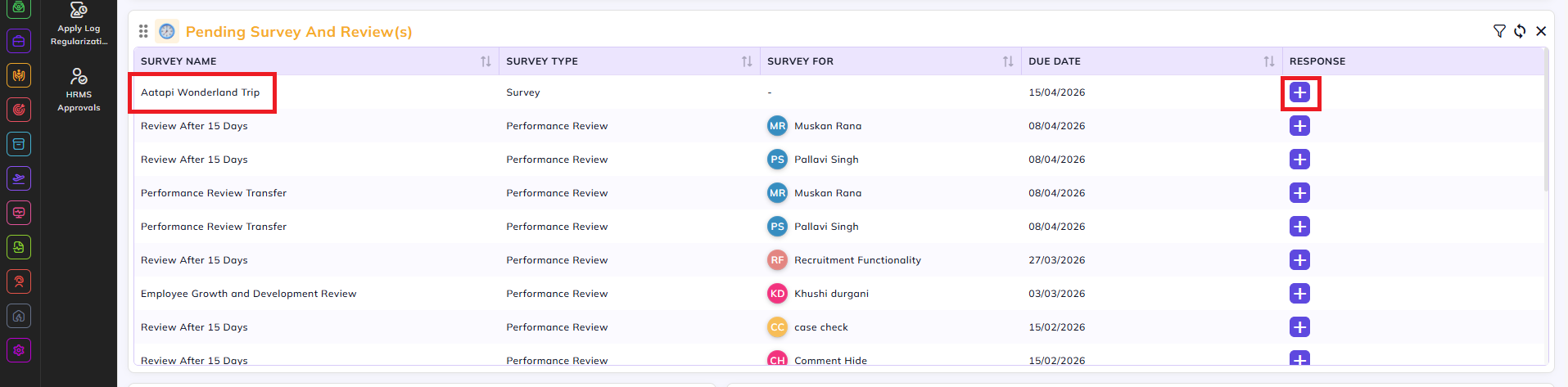
The assigned employees will see the pending survey in their home dashboard too. They can add their response from there.
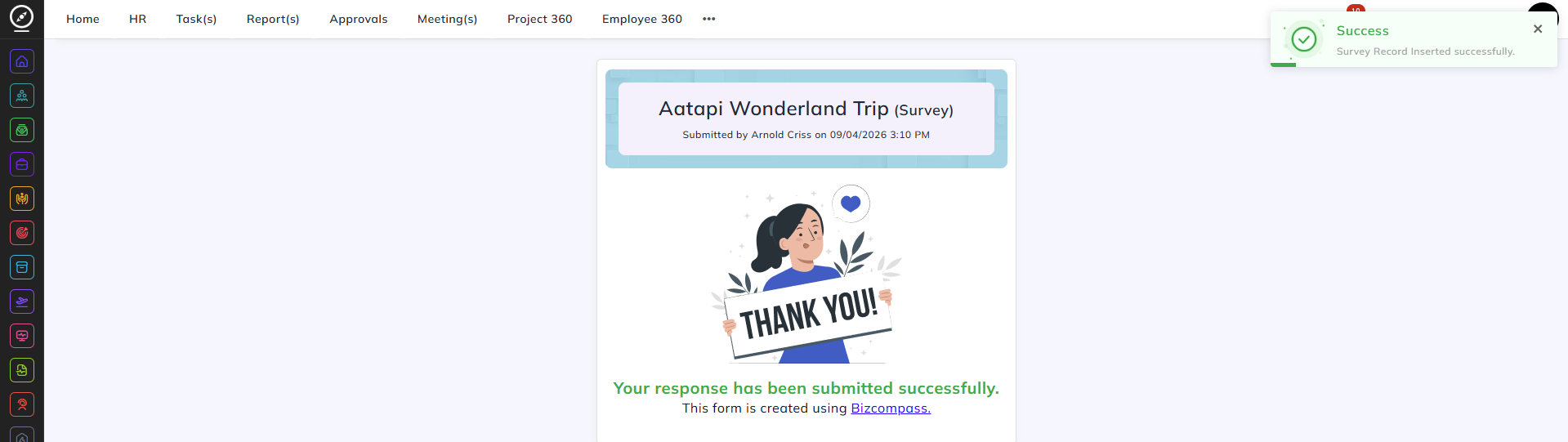
When someone submits a form, this is what will be displayed:
The Response Access Person can view all the responses of the form in the Survey page.