Tax Group
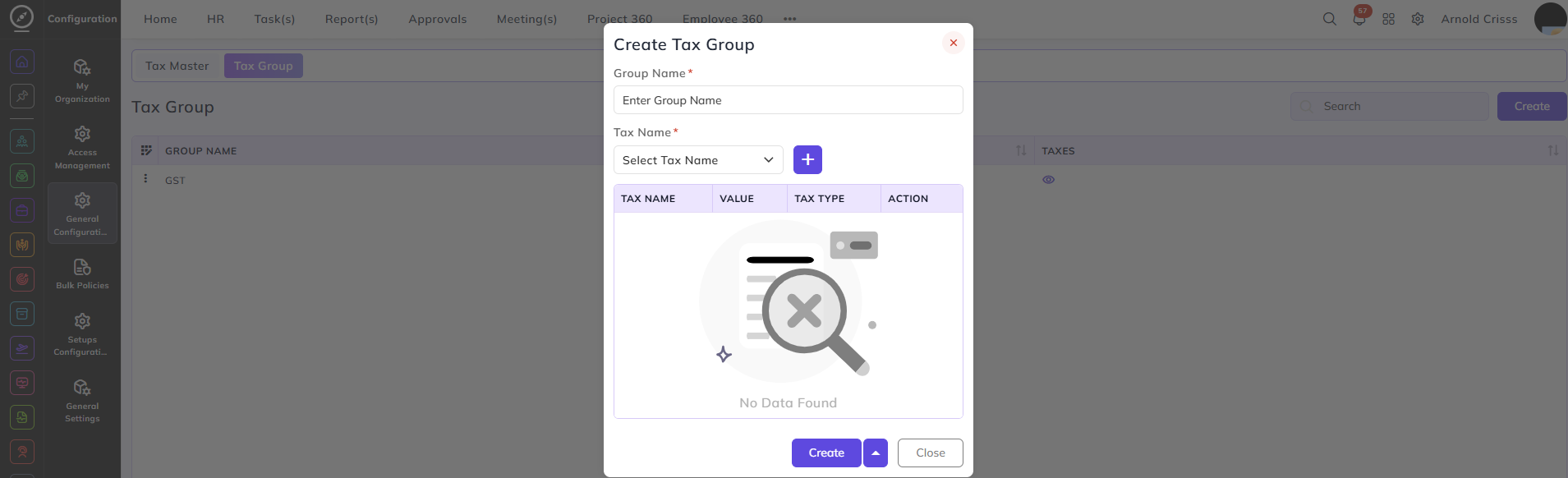
From this page, you can group multiple taxes together so they can be applied as a single combined tax entry.
Group Name:
Enter a name to identify this tax group — for example, GST.
Tax Name:
Select a tax from the configured Tax Master entries and click + to add it to the group. Multiple taxes can be added to a single group.
The table displays all added taxes with the following columns:
- Tax Name — the name of the tax
- Value — the tax amount or percentage
- Tax Type — whether it is Amount or Percentage
- Action — remove the tax from the group