Document Upload from Employee Profile
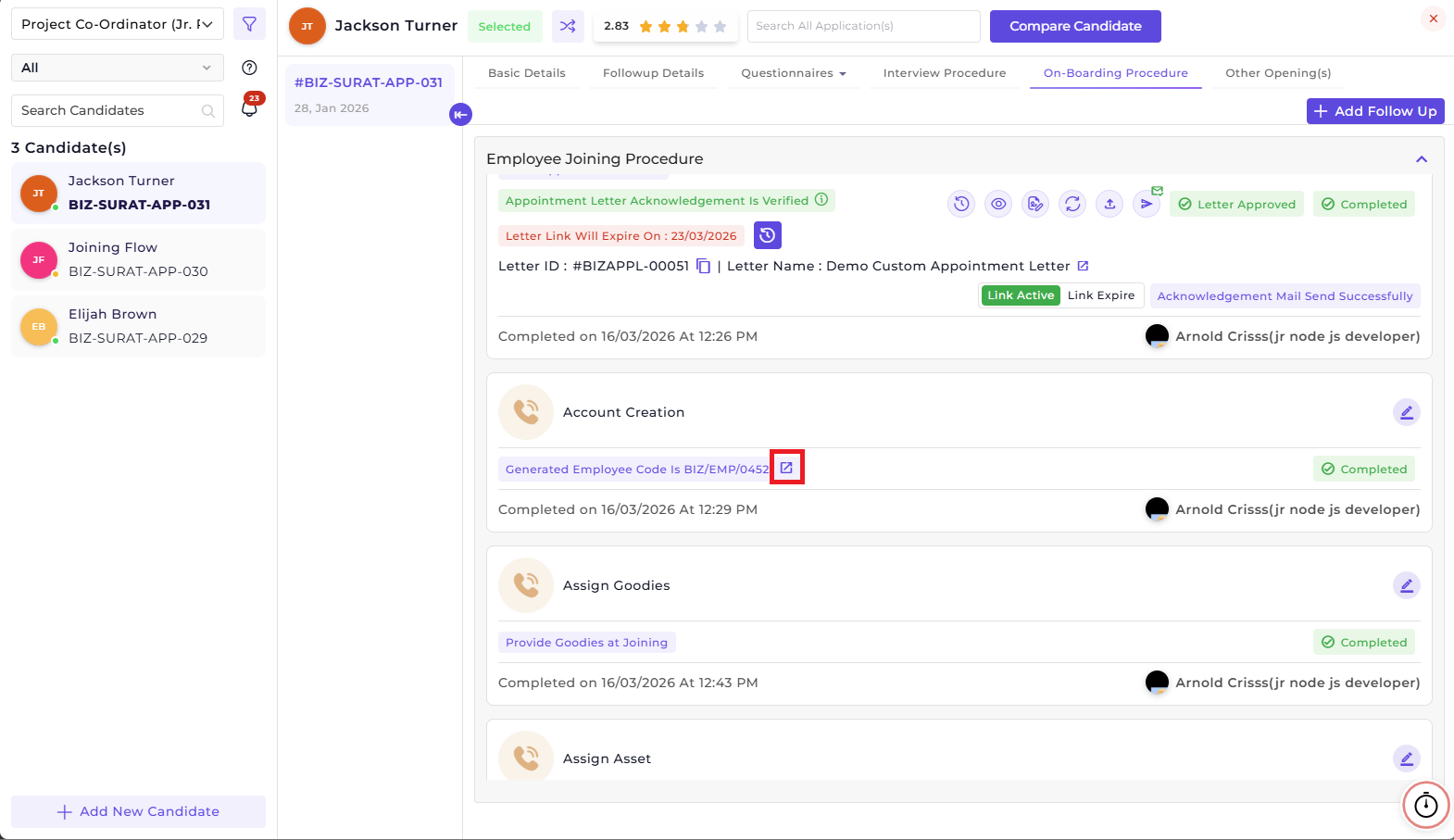
All the necessary documents can be collected during the onboarding stage. However, if you want to collect and upload some other documents after onboarding, you can do it by going to Employee 360 of that employee. You can navigate to Employee 360 of that employee by clicking on the redirect button of the Generated Employee Code of the employee during the onboarding procedure.
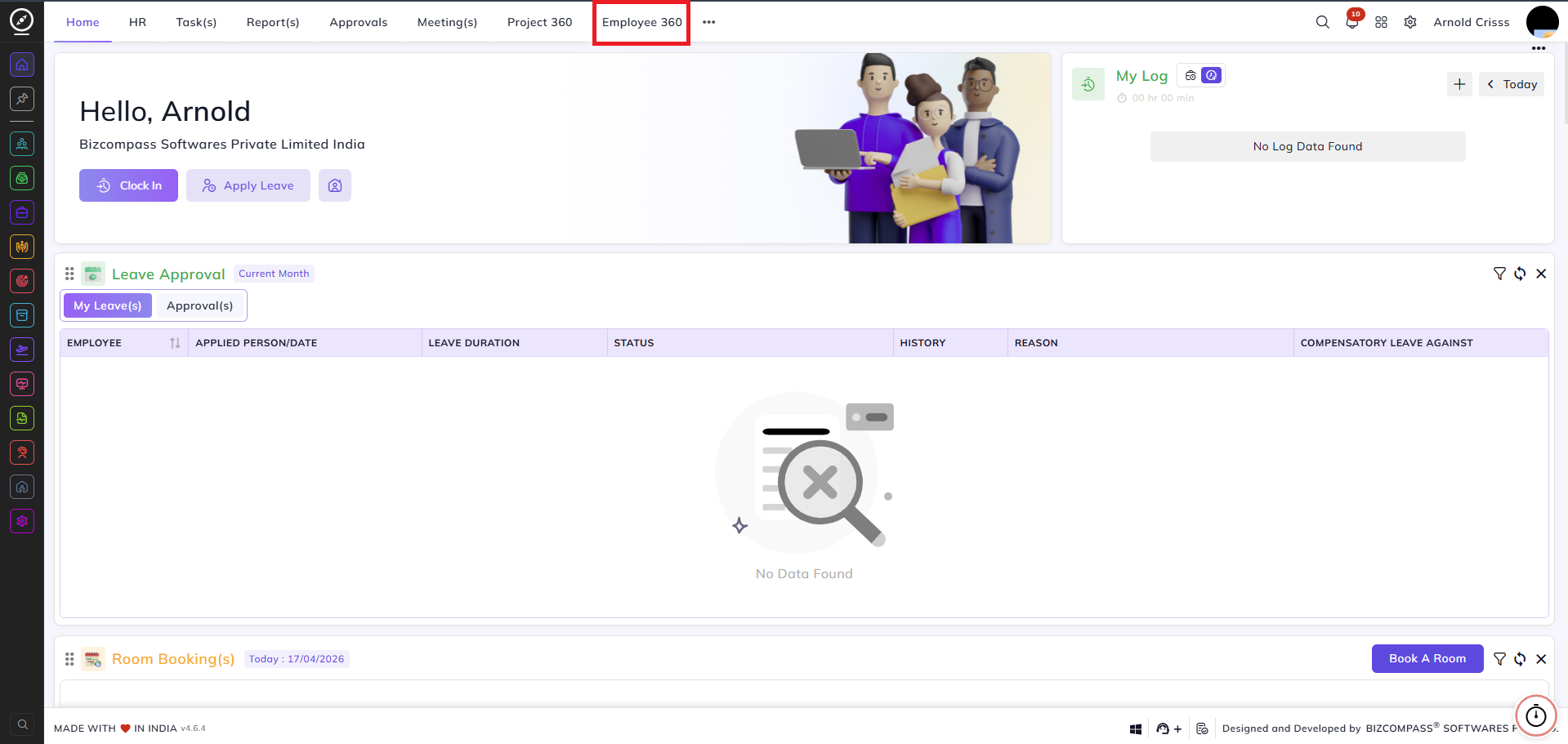
You can also click on the three dots on the top section of the Home page and find the Employee 360 page button there. Lastly, you can just go to the page by searching its name.
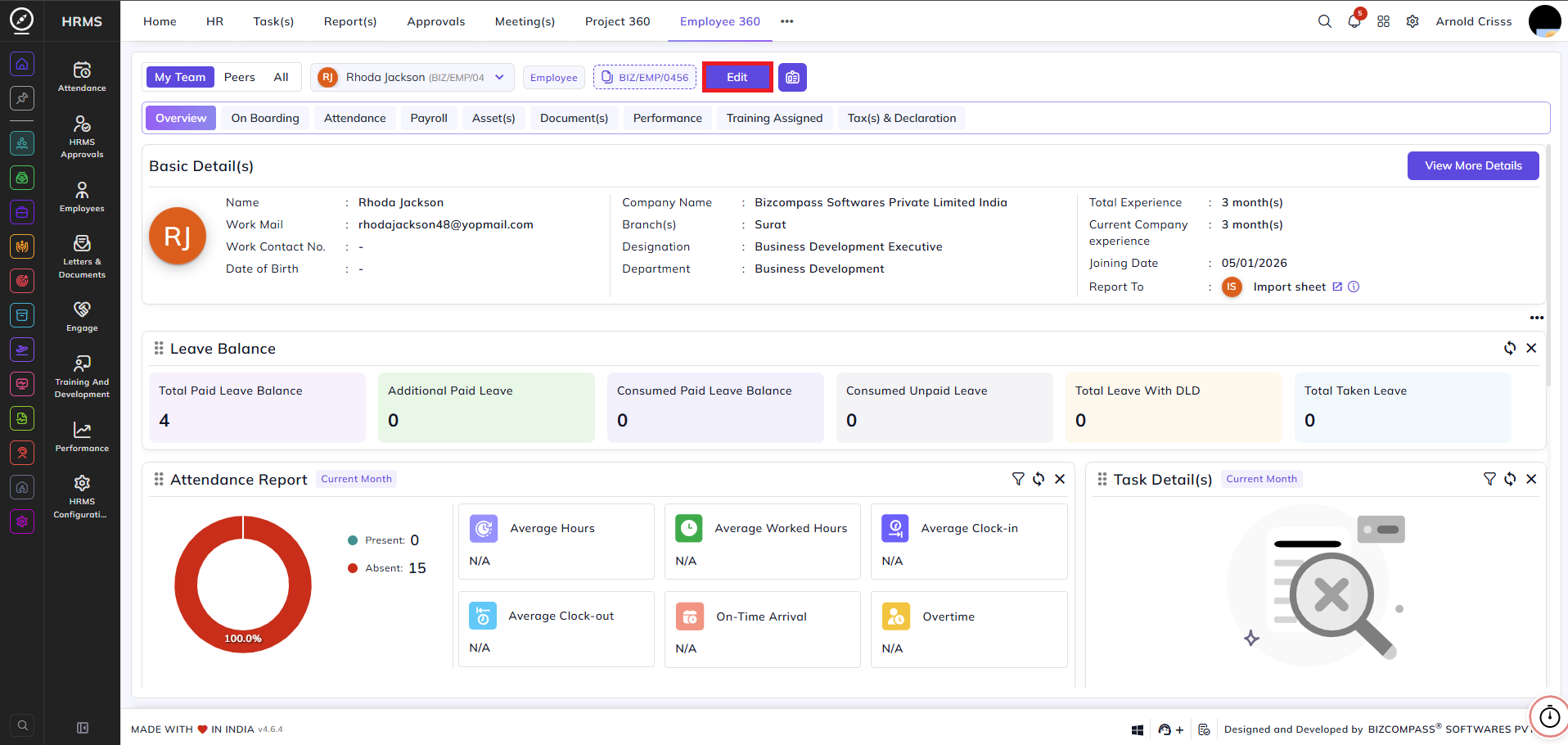
Firstly, you can upload employee documents by clicking on the Edit button in the Employee 360 page of that employee.
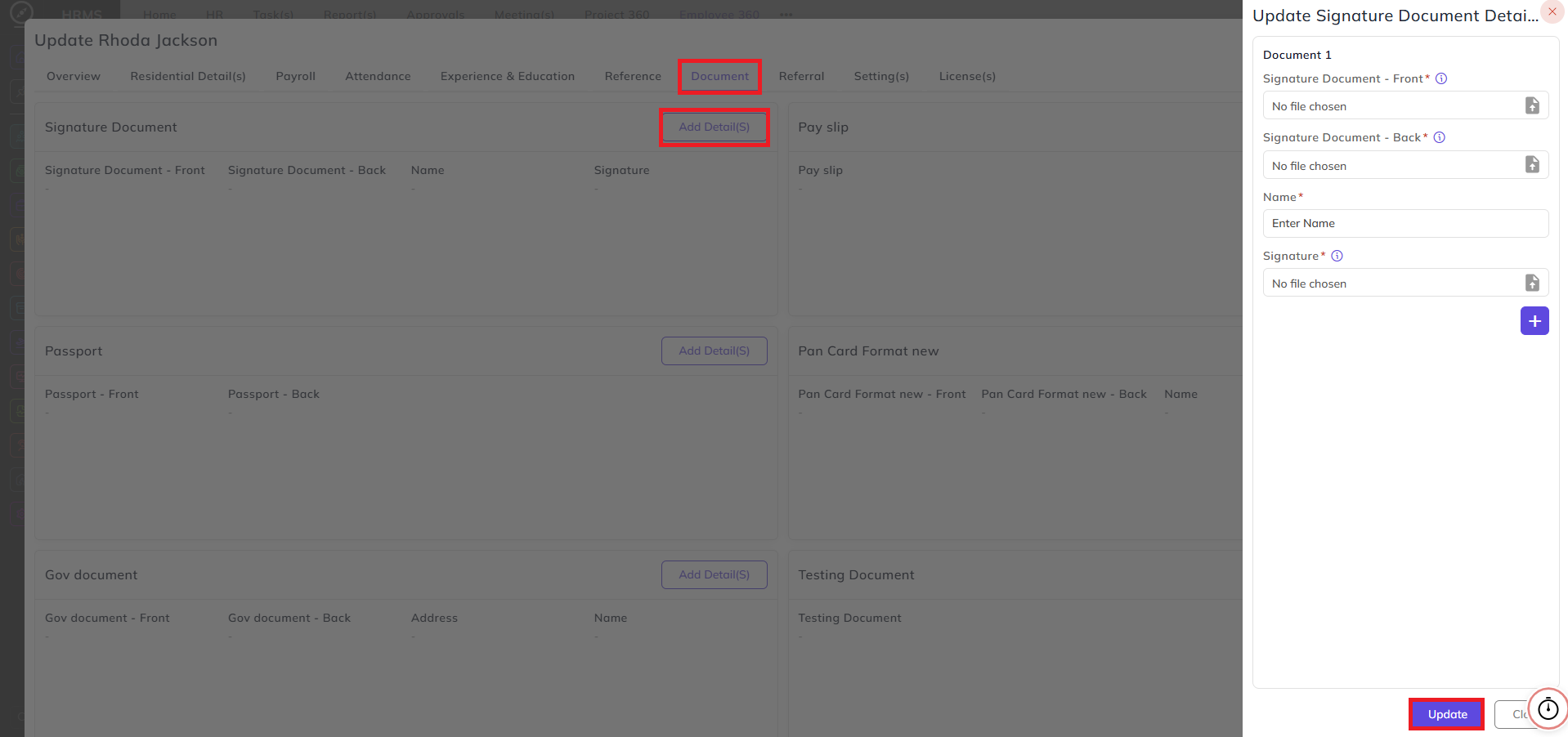
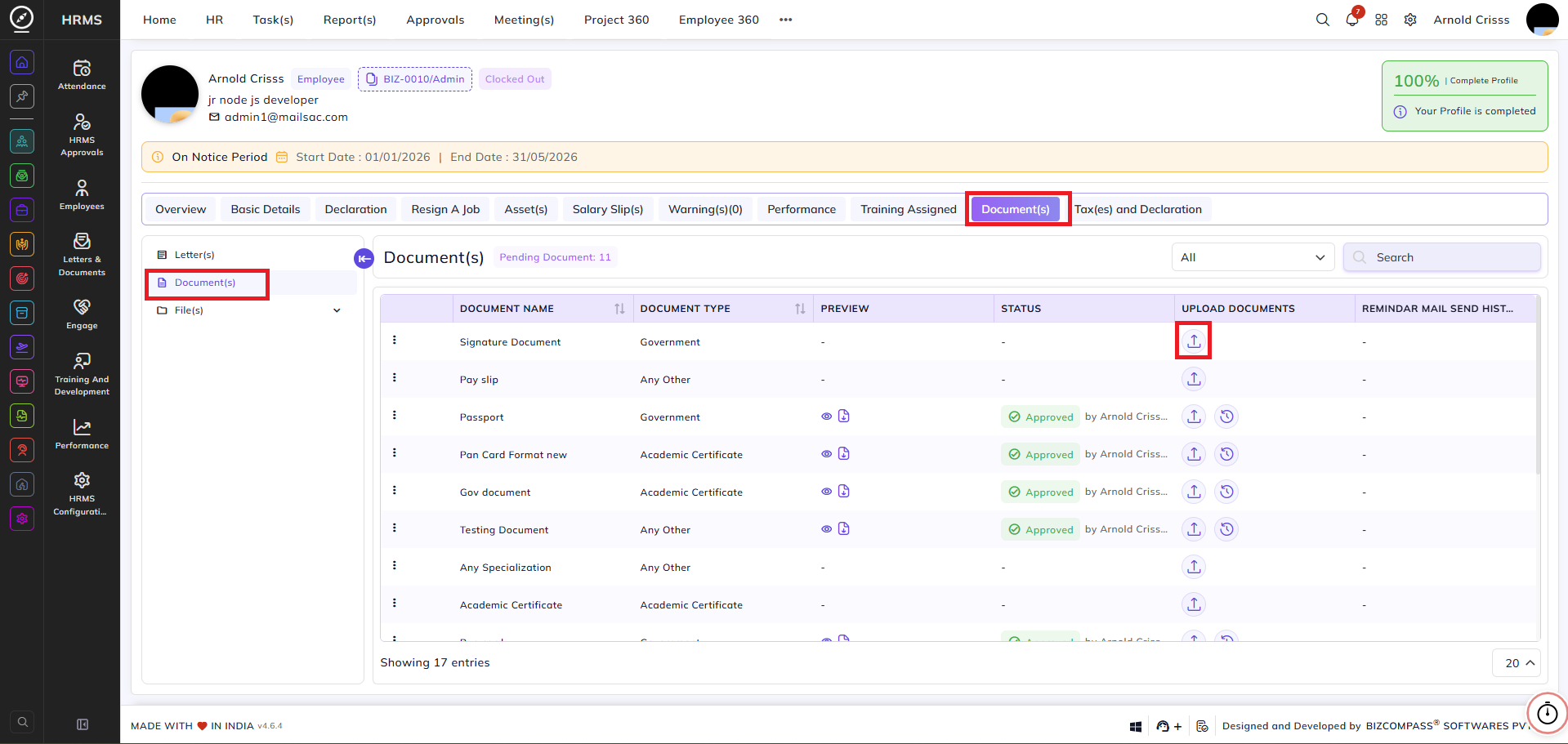
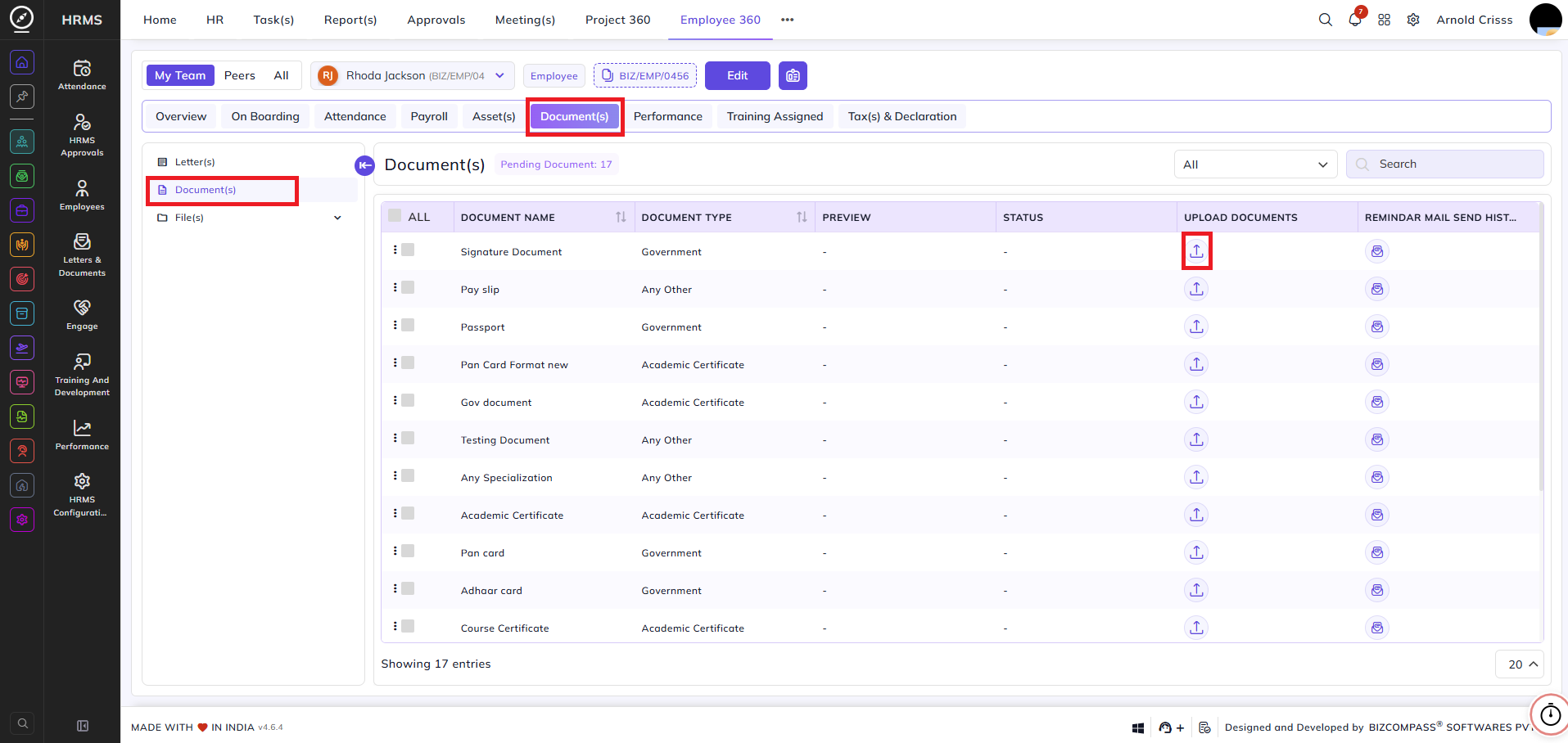
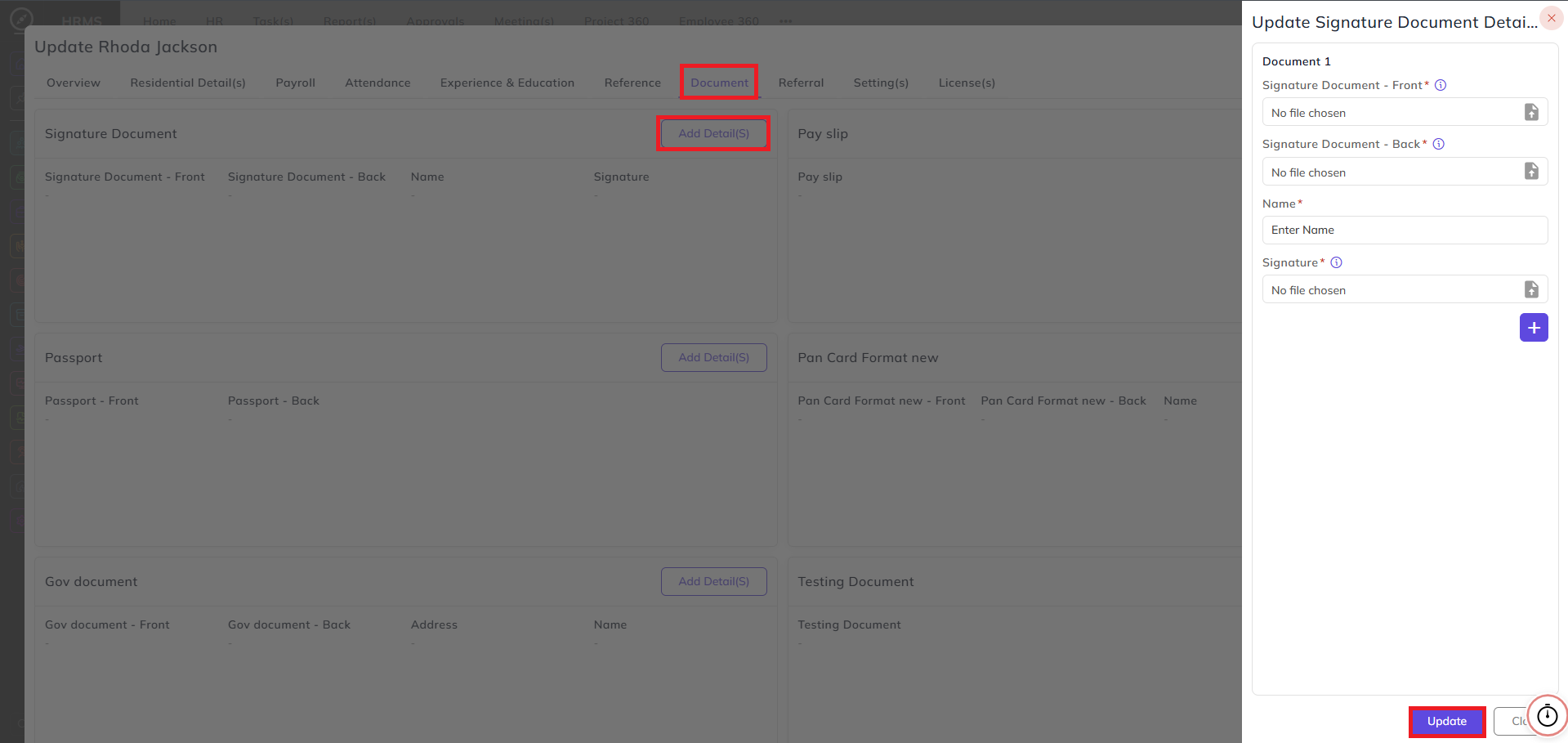
Secondly, you can upload employee documents by going to the Document(s) sub-section in the Document(s) section.
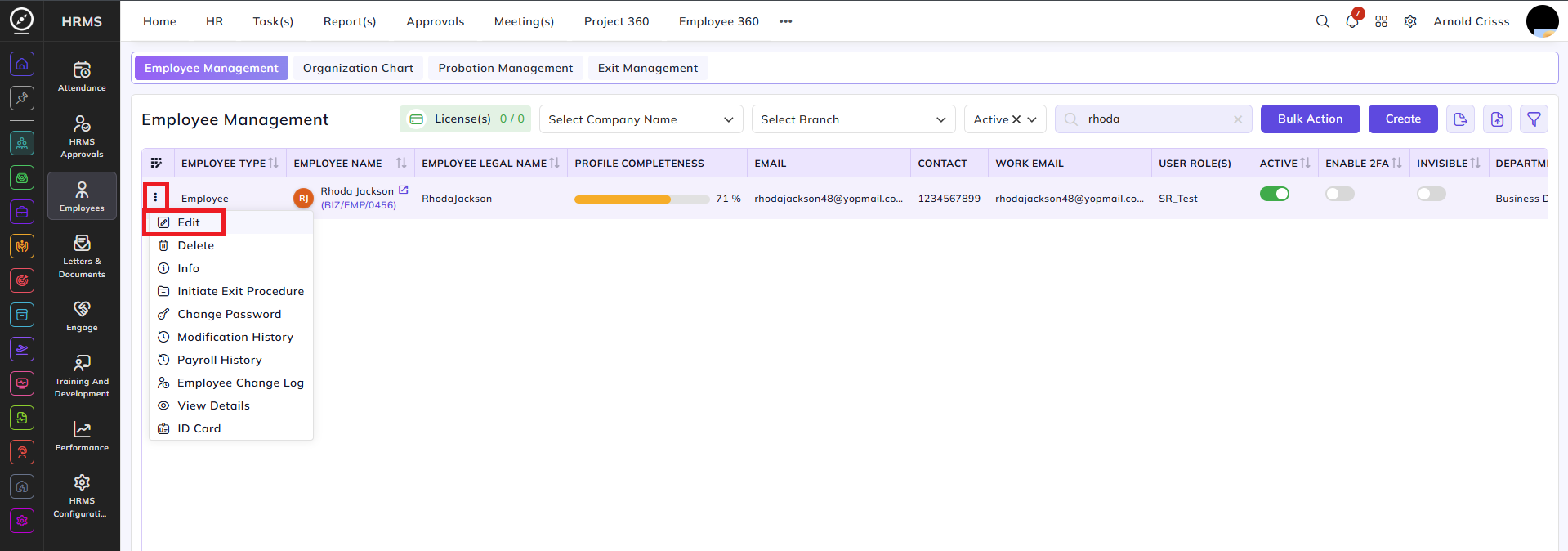
Lastly, you can upload employee documents from the Employee Management page by clicking on the three dot icon and clicking on Edit option.
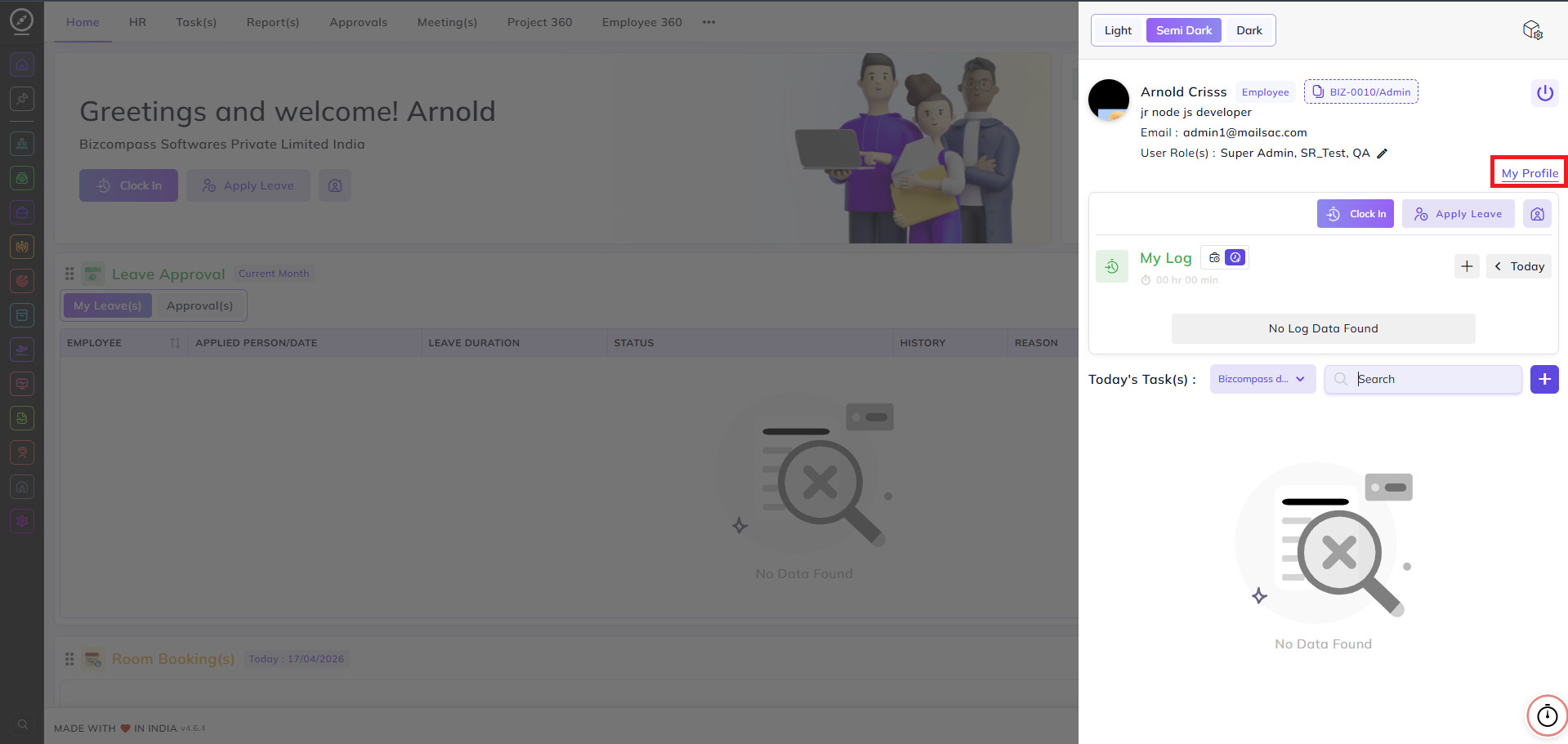
Moreover an employee can also perform self-onboarding by going to the My Profile section and uploading documents from there.